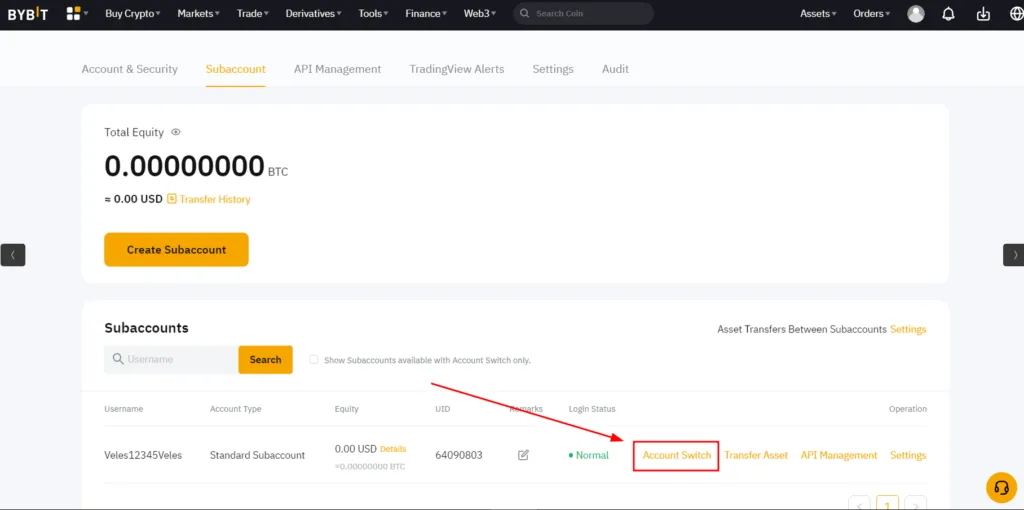
Creating a Subaccount on Bybit
Subaccounts on Bybit allow you to separate trading strategies and manage them separately — each subaccount can be connected to Veles via its API key.
-
Go to the subaccount management page: https://www.bybit.com/app/user/sub-account
-
Click “Create Subaccount”.
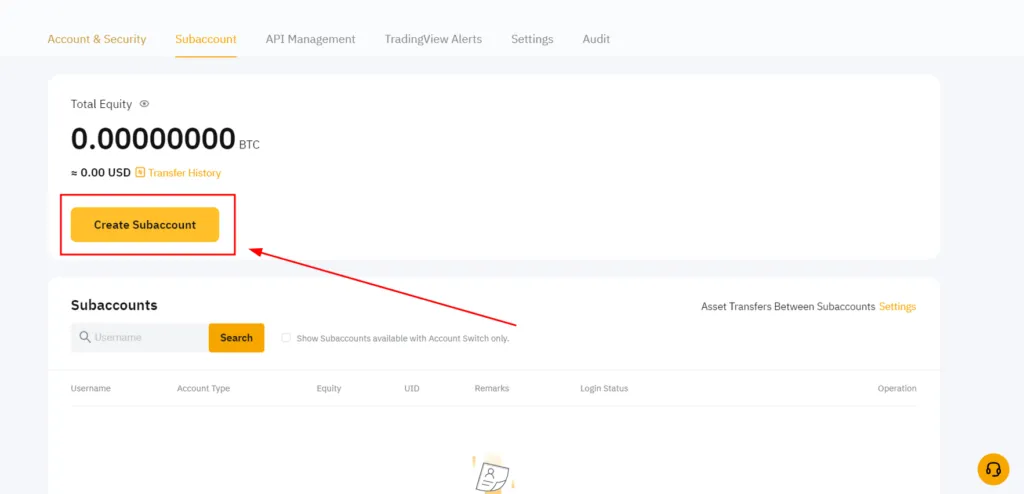
-
Enter a custom login for the subaccount and click “Confirm”.
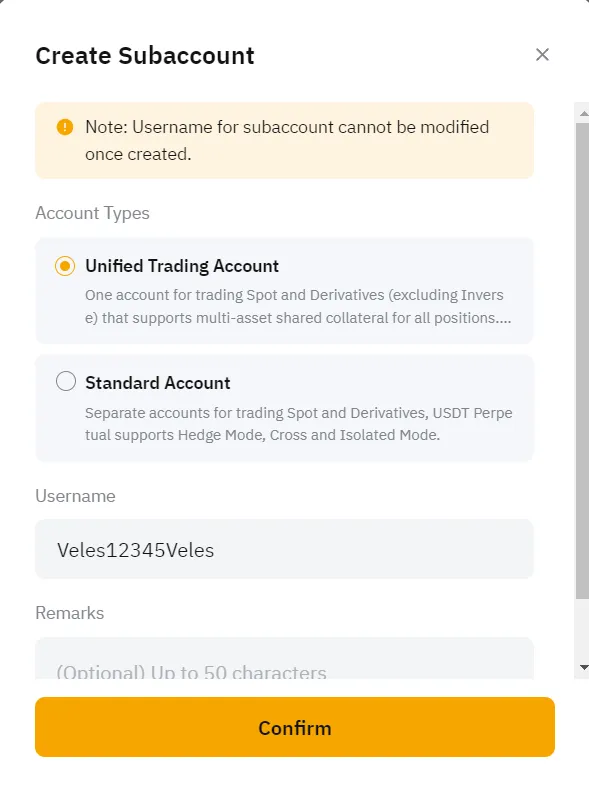
⚠ You cannot change your username after creation.
-
Complete verification if the system requests confirmation.
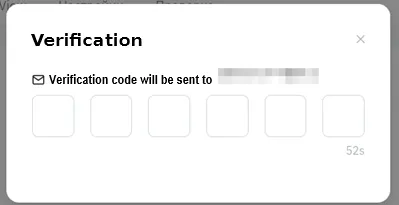
-
It’s done! The subaccount has been created. Now you can switch to it to trade with Veles. Create an API connection for it manually according to our instructions.