
Percentage Price Change
% Price Change
Section titled “% Price Change”The ”% price change” filter checks how much the price of an asset has changed over the selected timeframe and allows the bot to enter a trade (or not) depending on this condition.
This is useful for:
- protecting against entering at the peak of a sharp rise,
- preventing trades from being opened during a strong downtrend,
- filtering out impulse movements.
Without specifying a custom value, the filter works as ”% price change, Greater than 0”.
To set your own filter parameters, click the Pencil button in the settings.
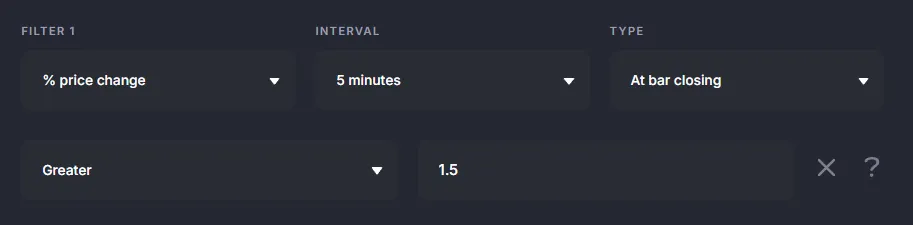
Example conditions
Section titled “Example conditions”-
% price change, 15 minutes, greater than 5 The bot will enter a trade after the green 15-minute candle closes if it rises by more than 5%.
-
% price change, 5 minutes, greater than 1 The green 5-minute candle closes with a rise of more than 1% → entry signal.
-
% price change, 1 minute, less than -1.5 The red 1-minute candle closes with a fall of more than 1.5% → entry signal.
-
% price change, 1 minute, greater than -1 Red 1-minute candle drops less than 1% → entry signal is allowed; green candles are unlimited.
Trade Entry Limitation
Section titled “Trade Entry Limitation”This filter is useful for cutting out unwanted signals:
-
To prevent the bot from opening a trade during a sharp rise (protection against buying at the peak): % price change, 1 minute, less than 0.5 → If the candle grows >0.5%, the bot will skip the entry.
-
To prevent the bot from opening a trade during a sharp decline (protection against opening or averaging in the middle of the drawdown): % price change, 1 minute, greater than -0.5 → If the candle falls deeper than 0.5%, entry will be blocked.
Using as Exit Condition
Section titled “Using as Exit Condition”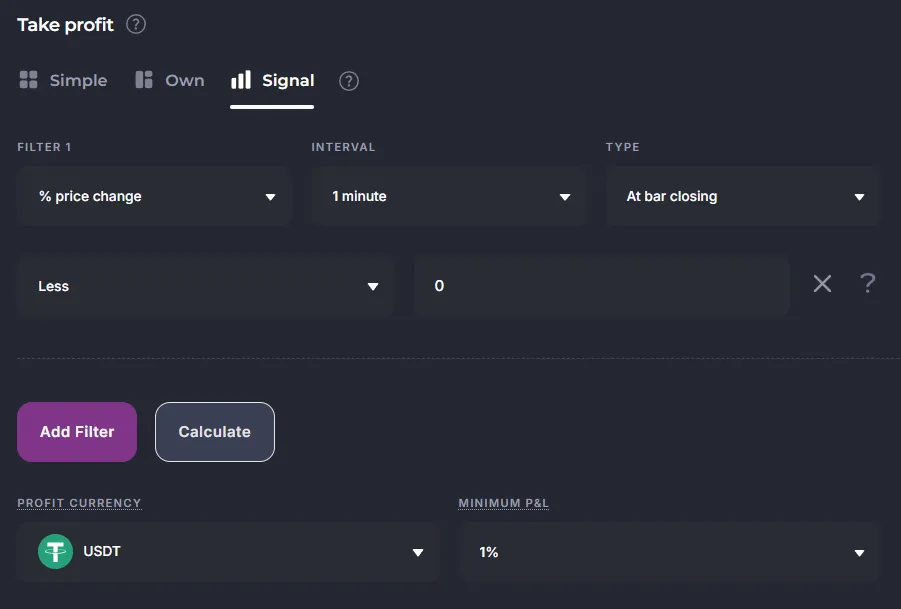
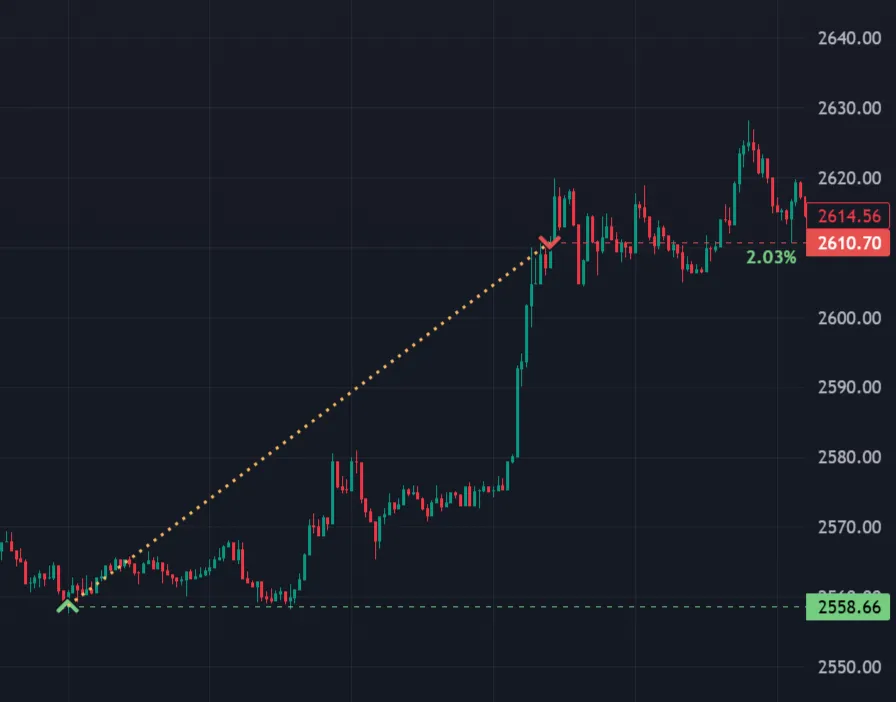
% price change over N candles
Section titled “% price change over N candles”Another filter option is to check the price change over several consecutive candles. You can select the number of candles: 5, 10, 20, 30, 50, or 100.
This helps take into account not only a single sharp movement but also the accumulated trend.
Click the Pencil to set the parameters.
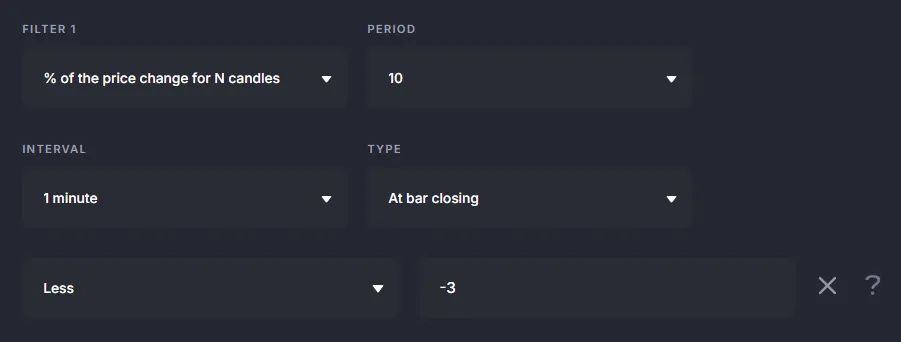
Using in Veles Bots (Flexible Indicator)
Section titled “Using in Veles Bots (Flexible Indicator)”This indicator is a custom case of the “Rate of Change” indicator.
The % price change is the Rate of Change with a period of “1” compared to a constant.
The % price change over N candles is the Rate of Change with a period of “N+1” compared to a constant.
Available settings of “Rate of change”:
- Period - the number of candles for calculation. The default value is 9.
- Interval - the candle timeframe.
- Method - the calculation type. By bar close (only on the selected interval) or by minute (once per minute for any interval).
- Shift - shifts the requested indicator value back by the specified number of candles.