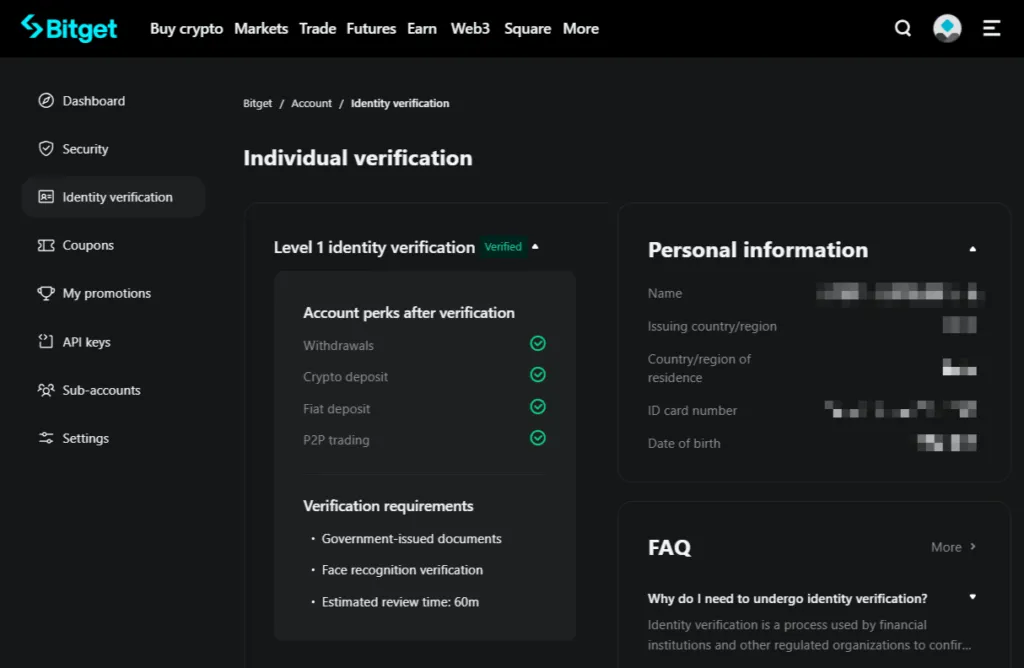
Create an Account on Bitget
Preparation
Section titled “Preparation”Before creating a new account on the Bitget exchange, it is recommended to prepare:
-
The email address or phone number that will be used as the login.
-
Generate and store in a safe place a new complex password that meets the exchange’s requirements (from 8 to 32 characters long, including at least one digit, at least one capital letter, and at least one special character).
-
A personal document issued by government authorities (passport, or driver’s license, or ID card, or residence permit — the available options depend on the country of residence)
-
Access to the webcam on the device. During the verification process on a PC, it will be possible to switch to a mobile browser to use the phone’s camera, for example, the exchange will provide a special QR code for this.
Registration on the exchange
Section titled “Registration on the exchange”-
To start registration, open the exchange using our affiliate link:
https://veles.link/bitget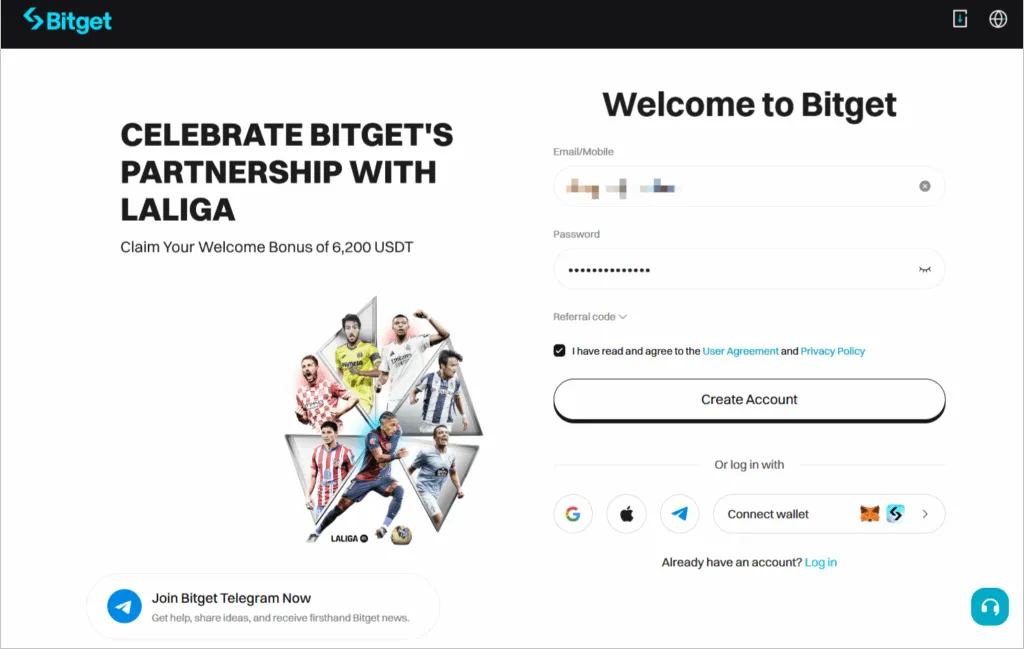
-
On this page, enter the prepared username and password in the appropriate fields, check the box “I have read and agree to the User Agreement and Privacy Policy”, and click “Create Account”.
-
Confirm that you are not a robot in the window that pops up after that.
-
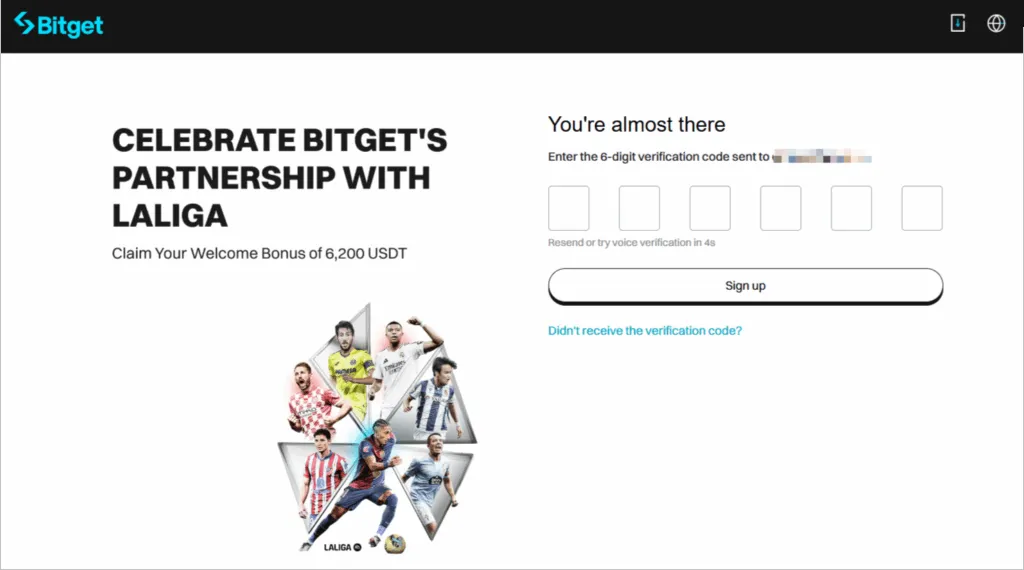
On the next screen, enter the 6-digit code that the exchange has sent to you by email or by phone, and click “Sign Up”.
-
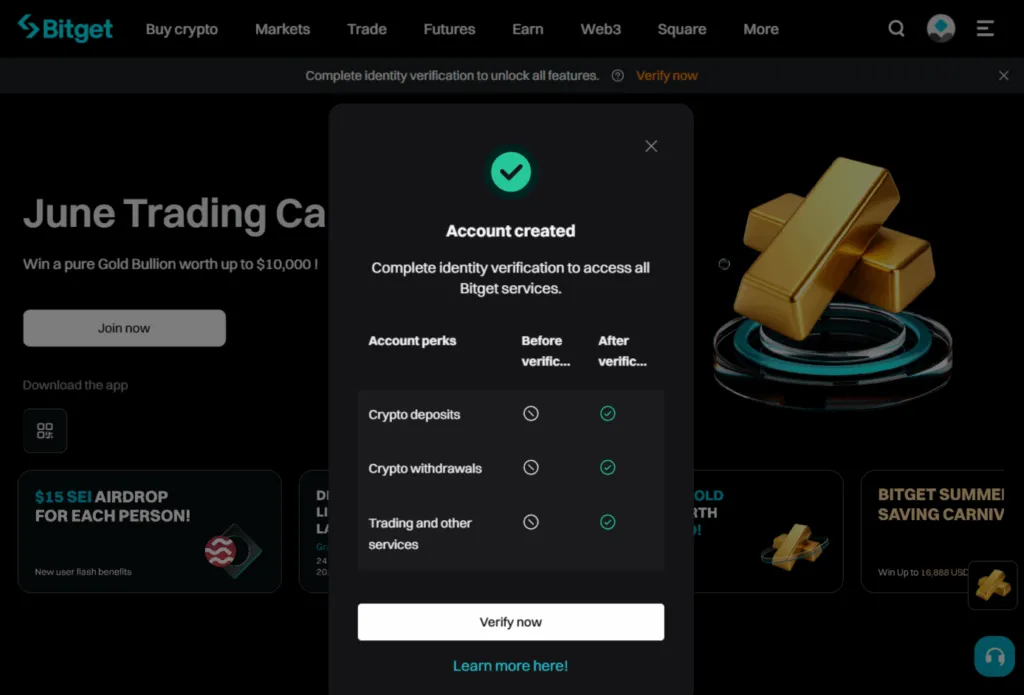
Your account has been created! To use it without restrictions on operations, it is also necessary to pass the identity verification. Description of this procedure can be found here: https://www.bitget.com/ru/events/kyc
-
Click “Verify now” on the report window.
-
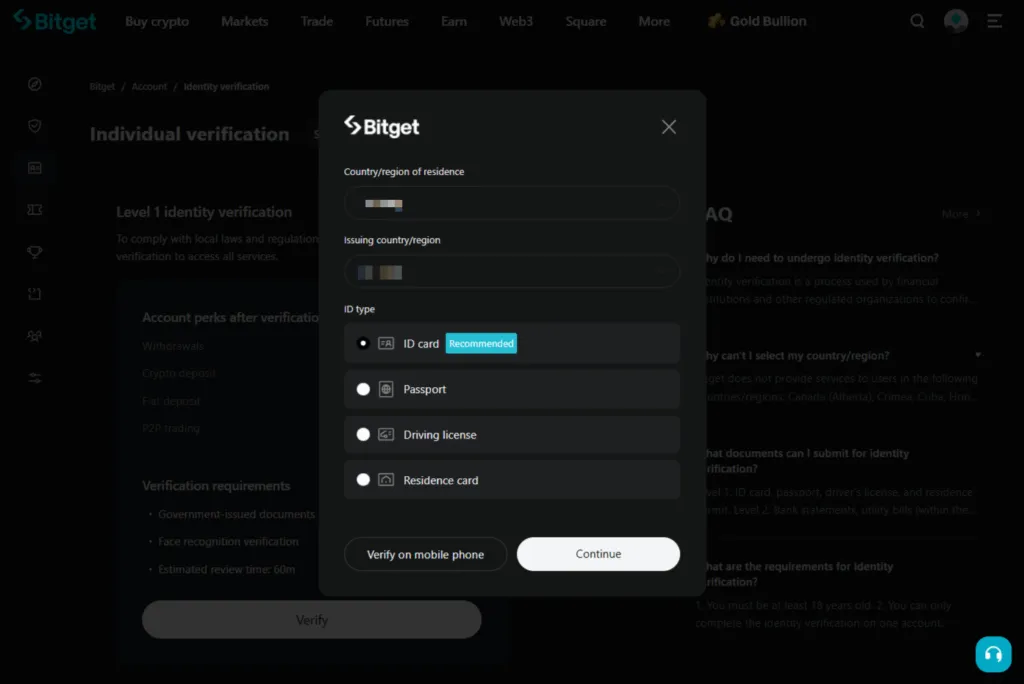
Then you need to select your country of residence from the list, and the exchange will show you the list of documents it needs.
-
Continue the procedure and, if necessary, switch to a mobile device with a camera to take a picture of the document and take a selfie.
-
When the document photo and selfie are uploaded to the exchange for verification, wait for the result of the check.
-
After the verification is completed, your account is ready for replenishment and trading: