
Telegram Community
The Veles Community EN group is the main chat for Veles platform users. Here you can ask questions, get help from Support, talk to other traders, find educational resources, and see important announcements.
How to Join
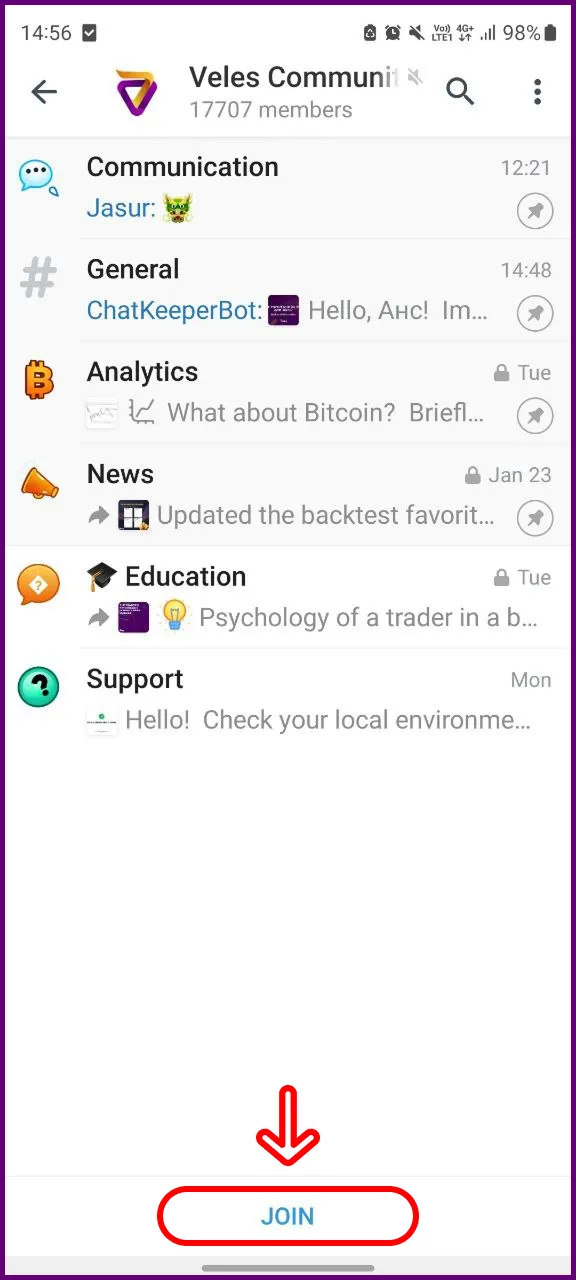
Section titled “How to Join”- Go to the Challenges page in your personal account.
- Or use the direct link: @VelesCommunityEn.
At the bottom of the chat, click “Join” or “Enter”.
First Steps in the Chat
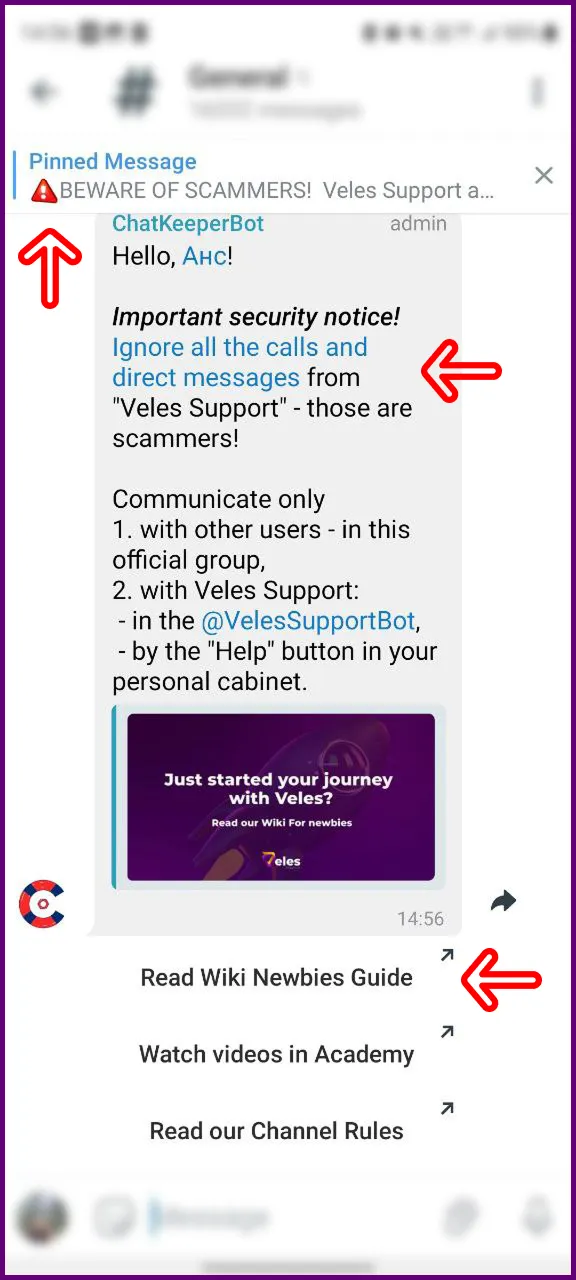
Section titled “First Steps in the Chat”- Read the welcome message in the “General Chat” thread — it contains important information about fraud prevention and useful links.
- Review the pinned messages in each thread.
- Be sure to react to pinned messages — this lets Support know you’ve read them.
Chat Rules
Section titled “Chat Rules”- Maintain polite and respectful communication.
- Do not discuss third-party platforms.
- Avoid posting duplicate messages.
Auto Help
Section titled “Auto Help”At any time, you can request automated help by sending one of these commands:
/help/faq
You’ll receive a list of quick answers about the platform.
Reputation System
Section titled “Reputation System”Show appreciation for help correctly:
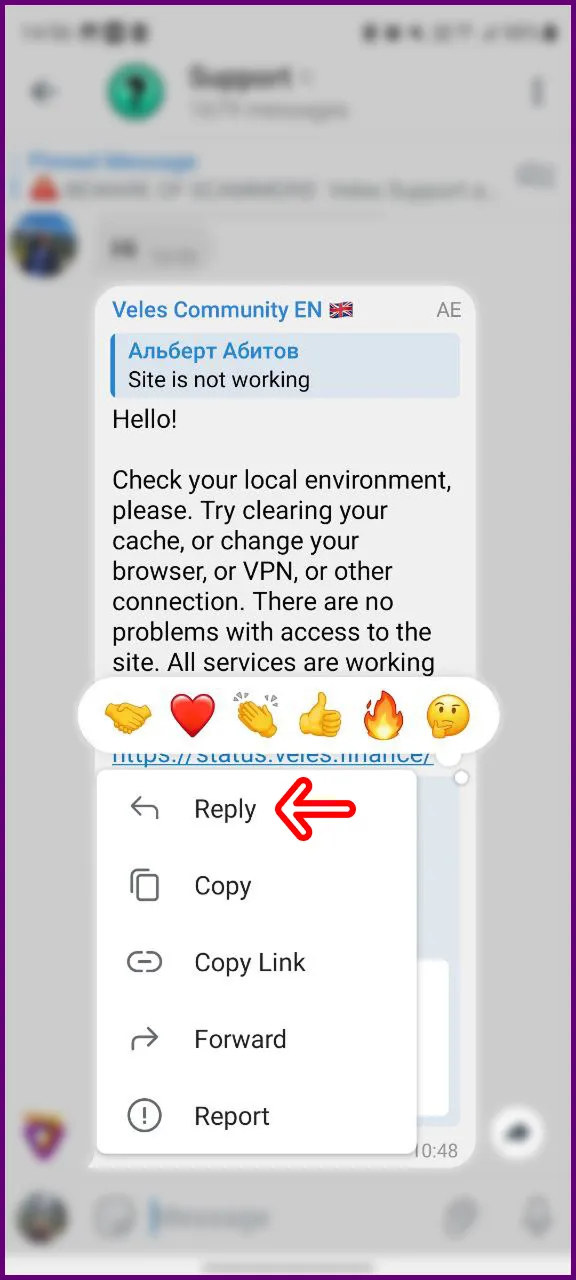
- Click on the participant’s message and choose “Reply”.
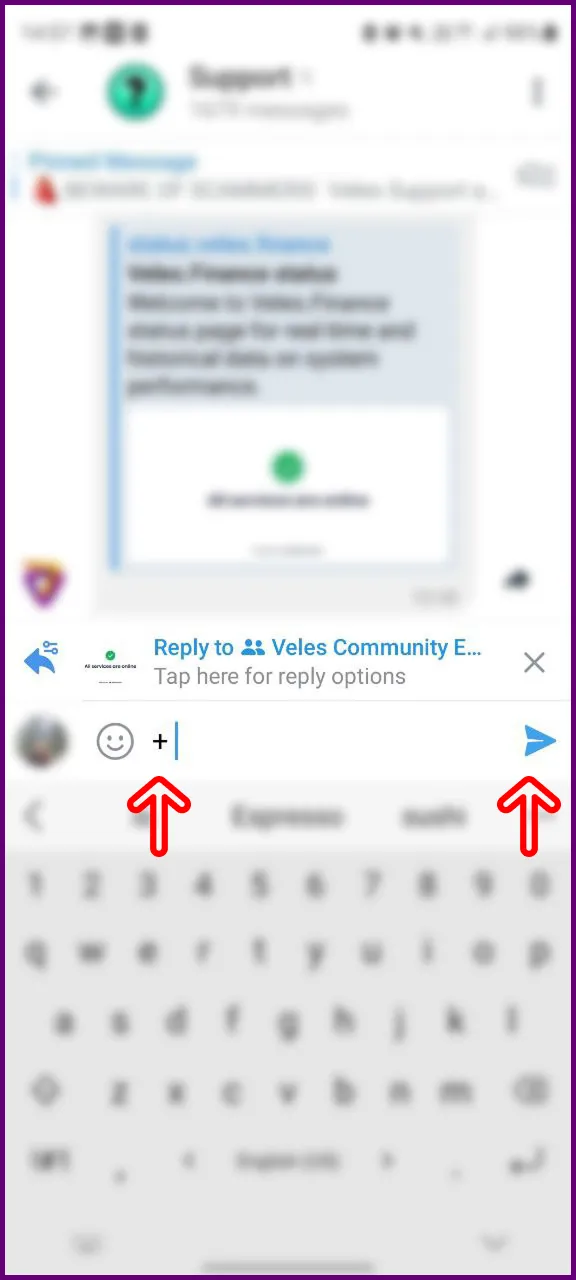
- Send a plus sign (
+) in your reply.
Searching the Chat
Section titled “Searching the Chat”Before asking a question, check if it has already been answered:
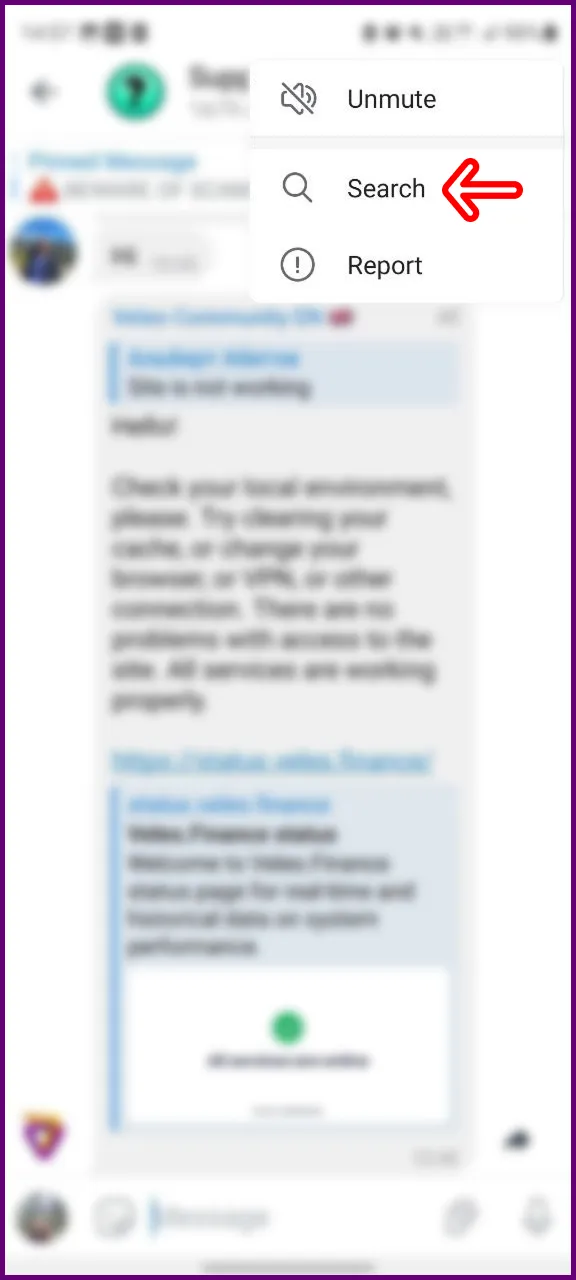
- Click the magnifying glass in the header or Menu → Search.
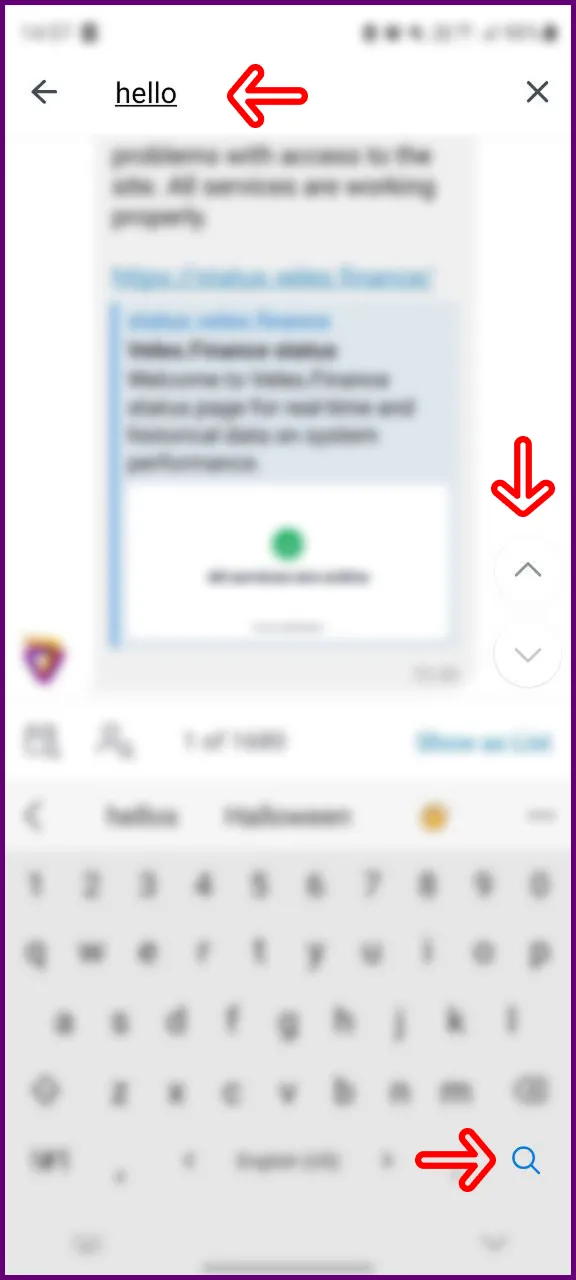
- Enter a keyword.
- Navigate between results using the arrows.
Tip: the more specific and clear your question, the faster and more accurate the answer will be.
Welcome to the Veles community!