Connecting HTX API
Before creating a Binding, make sure that you have replenished the HTX exchange wallet for any amount — this is necessary for the correct connection of the key.
Creating an API key on the HTX exchange
Section titled “Creating an API key on the HTX exchange”-
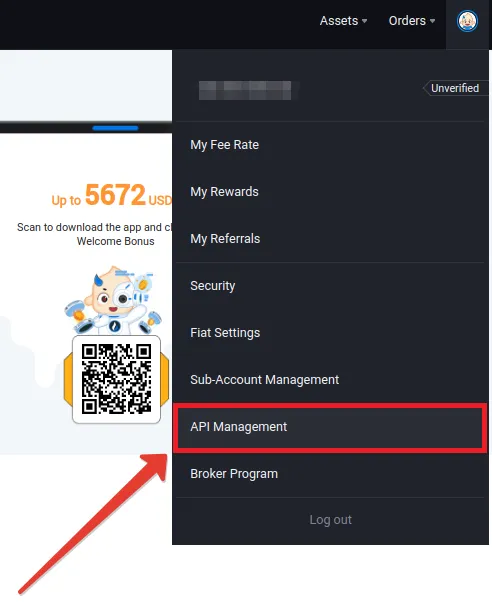
Click on the user icon in the upper-right corner of the page and select the menu item “API Management”. In this section, you can create, edit, and delete API keys.
-
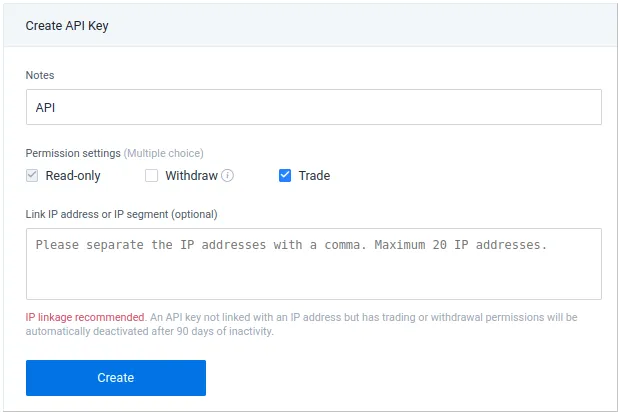
Specify an informative name for the future API key and select “Trade” in the permissions.
-
Save the API key data in a secure location, for example, in a password manager or an encrypted database.
Creating an API key binding in Veles
Section titled “Creating an API key binding in Veles”-
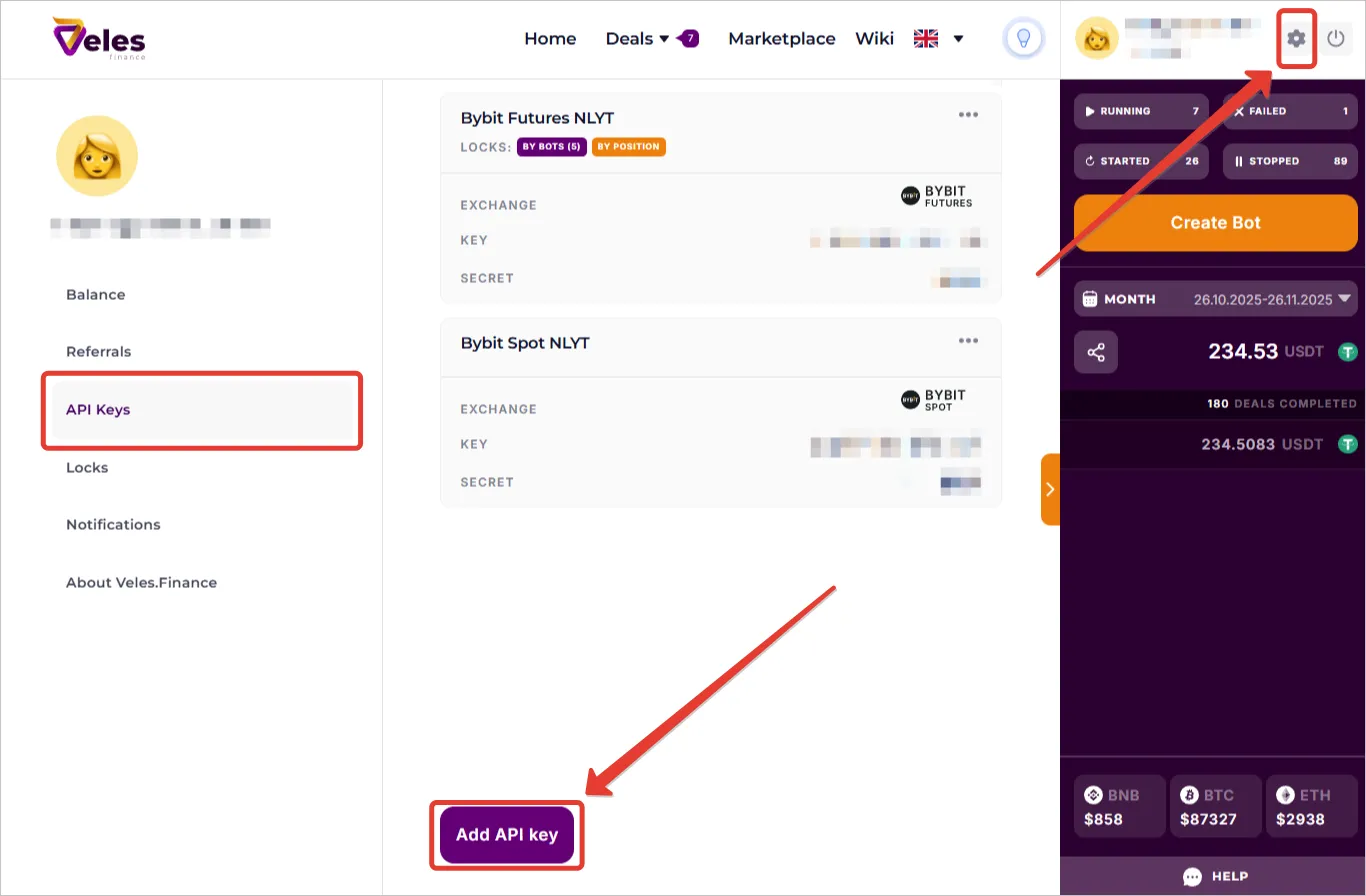
Log in to your Veles personal account, go to Settings, “API Keys” section and click “Add API key”.
-
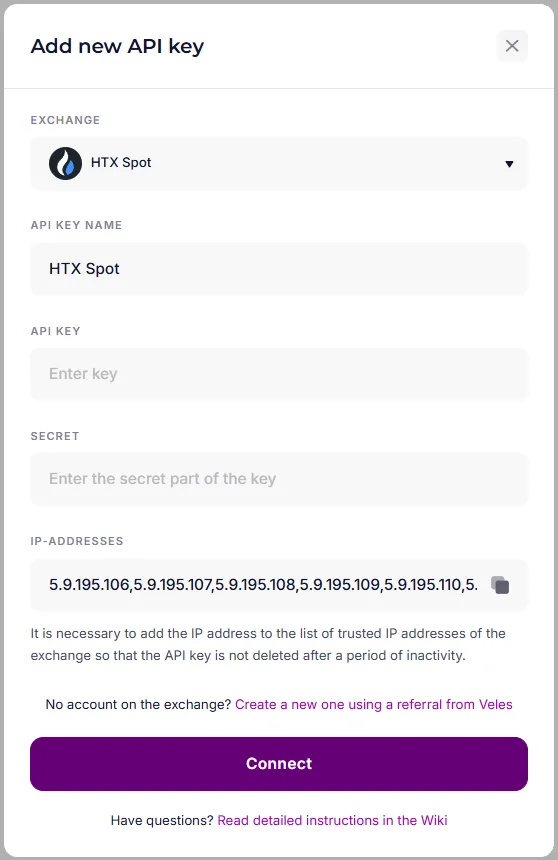
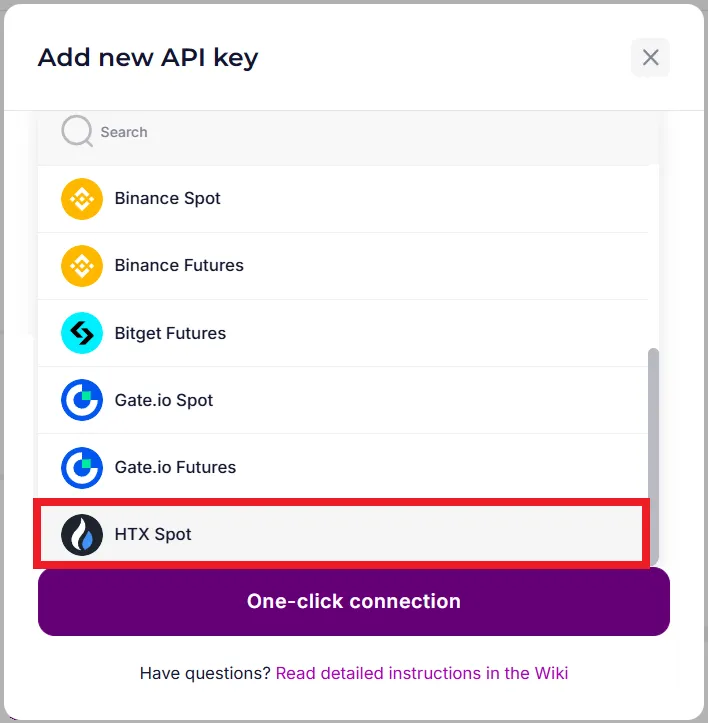
Select the exchange HTX.
-
Enter the API key data received on HTX and click “Connect”.