Create an Account on OKX
To start working with Veles bots, create an account on the OKX exchange. Follow the step-by-step instructions below to register.
-
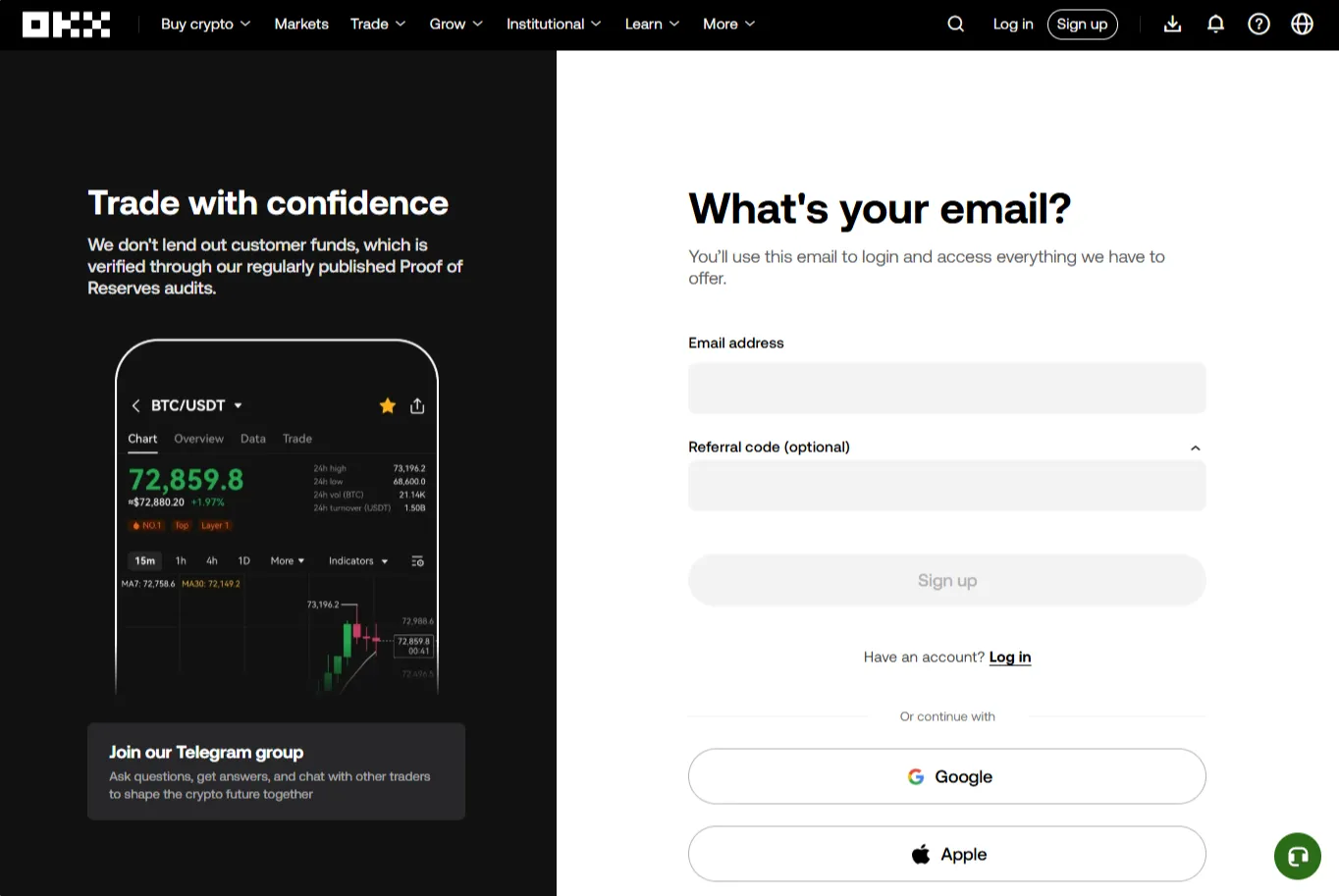
Go to the exchange’s website using the link: https://veles.link/N5iDVpV4
-
Enter email address, specify a referral code, if necessary, then click “Sign up”.
-
Enter a strong password.
-
Enter the verification code sent by e-mail or phone to complete the registration.
Two-factor authentication (2FA)
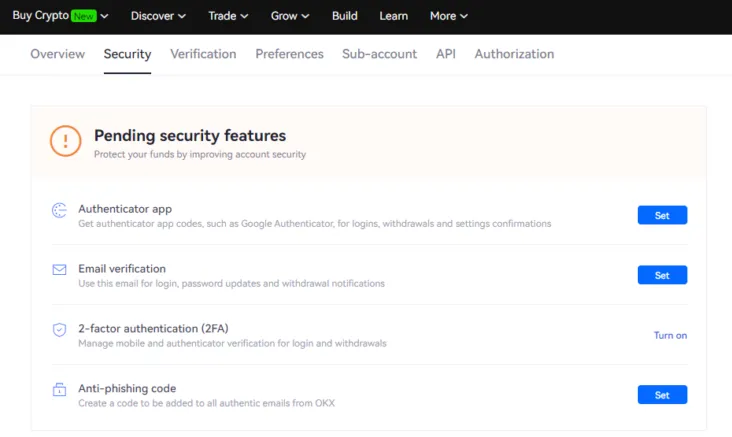
Section titled “Two-factor authentication (2FA)”After registration, we strongly recommend that you enable Two-Factor Authentication (2FA). This will help protect your account and funds from unauthorized access.
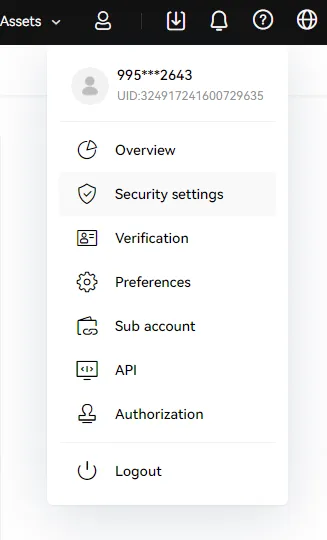
To activate 2FA, open the “Security settings” of your account and follow the instructions.