
Volume Filter
The “Volume” filter allows bots to take market activity into account and only open trades when the instrument has sufficient liquidity. This reduces the likelihood of entering into a weak move and helps filter out low-quality signals.
The Veles platform offers two ways to analyze trading pair volumes:
- Base (in coin)
- Nominal (in quote currency)
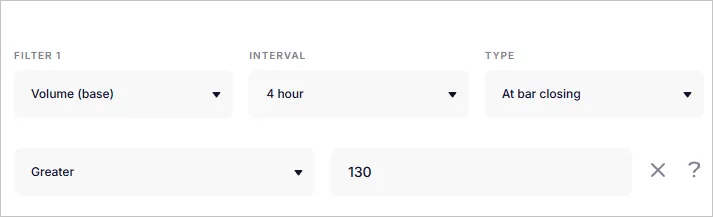
Click the Pencil button to set the desired values for the indicator.

Volume (base)
Section titled “Volume (base)”If the filter specifies Volume (base), provide the values as the amount of the coin itself.
For example:
- For the BTC/USDT pair and the Volume > 100 condition, the bot will wait for a candle where the trading volume exceeds 100 BTC.
- For the ETH/USDT pair, the Volume > 5000 condition will mean a minimum of 5000 ETH.
⚠ Exception: on the Gate.io exchange, volumes are displayed in the stablecoin linked to the ticker.
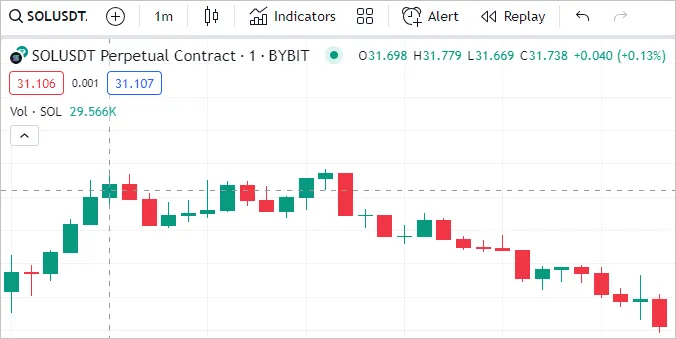
To determine the volume on a specific candle, you can add the standard Volume indicator to TradingView and hover over the candle. The data will appear in the upper left corner.
Volume (nominal)
Section titled “Volume (nominal)”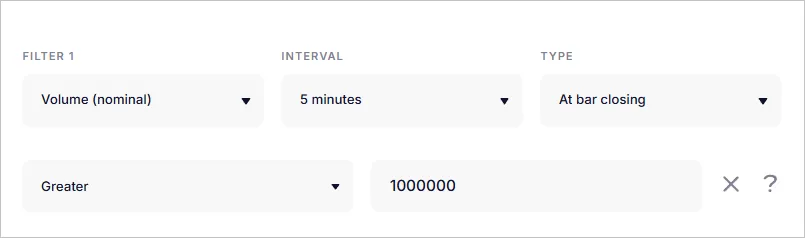
If the Volume (nominal) filter is set, the values are displayed in the quote currency.
Example:
- For the BTC/USDT pair, with the condition Volume > 300,000,000, the bot will open a trade only after the selected candle on the timeframe registers a turnover of more than 300 million USDT.
- For the BTC/ETH pair, you can set the condition Volume > 10,000 ETH.
This approach is convenient when the dollar equivalent of liquidity is important.
Only the basic volume indicator is currently available in the TradingView preview. For Nominal volume, please refer to the exchange data.
Where can I view volume?
Section titled “Where can I view volume?”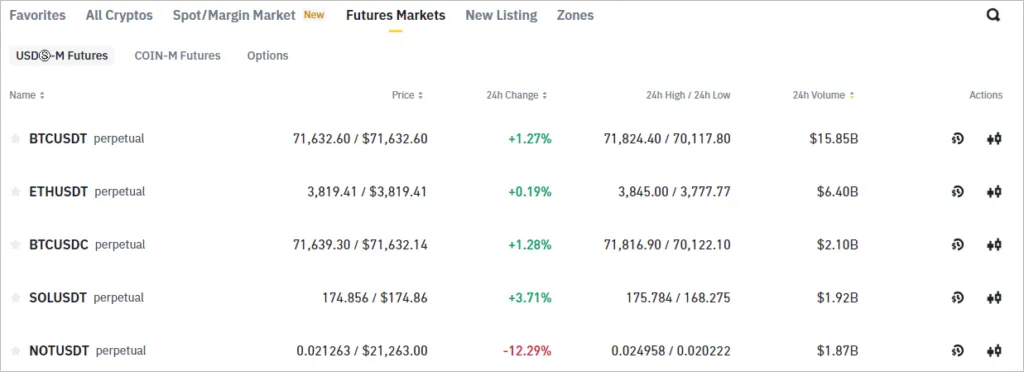
When to use a volume filter?
Section titled “When to use a volume filter?”- To exclude trades in low-liquidity pairs.
- To confirm the strength of a move (high volume = more confidence in the signal).
- To filter out breakouts of levels — to enter only when supported by volume.
- To limit trading at night or during periods of low activity.