
Platform Onboarding
The personal cabinet of the Veles platform is available at:
👉 https://veles.finance/cabinet
The cabinet interface is divided into several pages, intended for a specific aspect of working with bots, strategies, and profile settings.
Home page
Section titled “Home page”On the Main page of the cabinet there are:
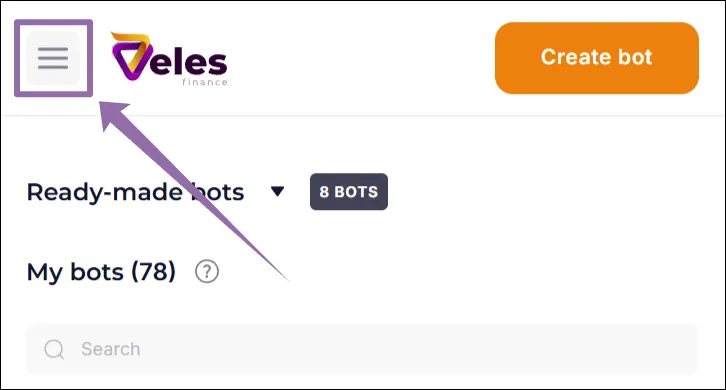
- Main menu — switch between sections (the upper line on a PC or the ”☰” button on mobile devices).
- Statistics Pane — key indicators and metrics are displayed on the right.
- Showcase “Ready-made bots” - a collection of educational strategies that can be copied, studied and tested.
- “My Bots” section is a list of all your saved bots.
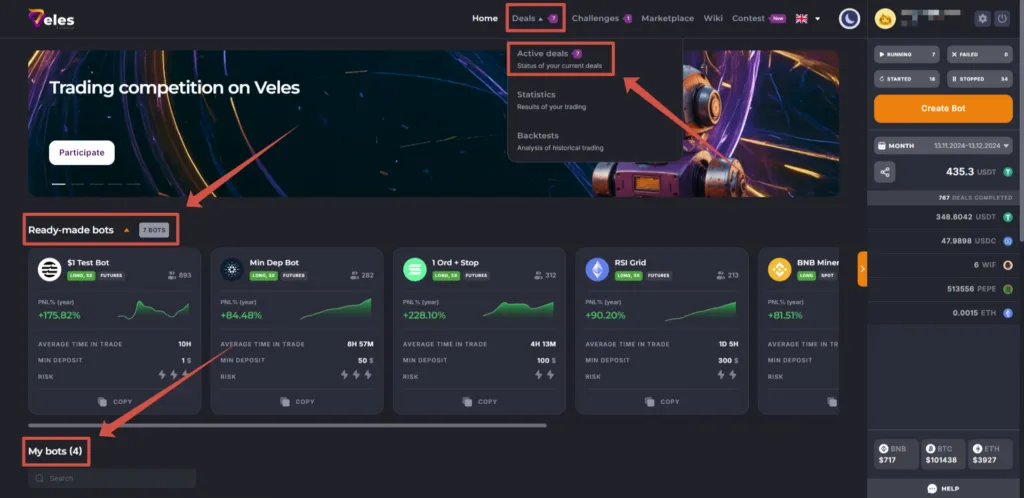
The cabinet’s functions are constantly expanding, providing greater reliability and convenience.
Ready-made Bots
Section titled “Ready-made Bots”Showcase “Ready-made bots” represents a selection of strategies designed for learning and experiments. Before launching them to a real trading, always run the backtest to ensure the stability of the results.
My Bots
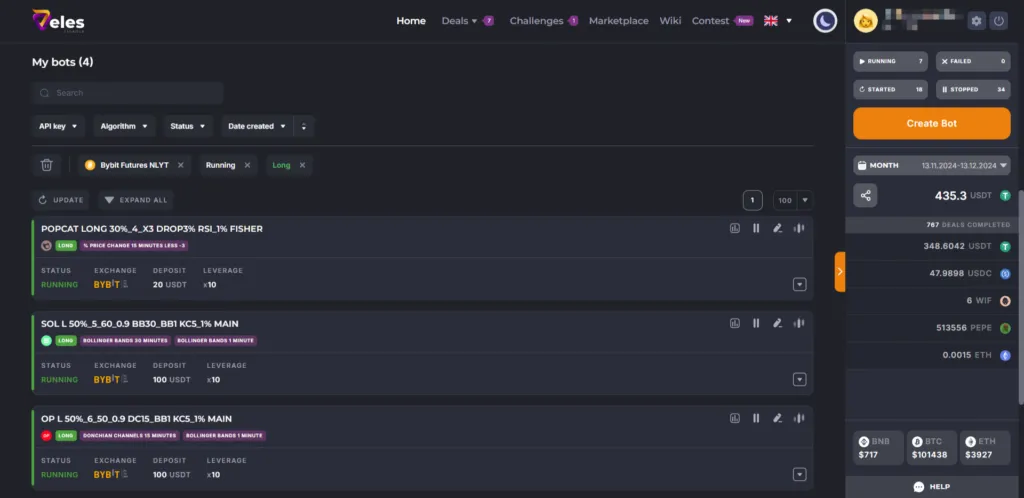
Section titled “My Bots”“My bots” list is made of cards of all the bots that you have saved. With a lot of bots, use filters for convenience:
- API key — filter bots using any of the selected Bindings.
- Algorithm — filter bots by direction Long or Short.
- Status — filter running, stopped or failed bots.
- You can also set the sorting order: by name, creation date or last update date.
To reset the filters, click the “Trash can” button (🗑️).
Technical support
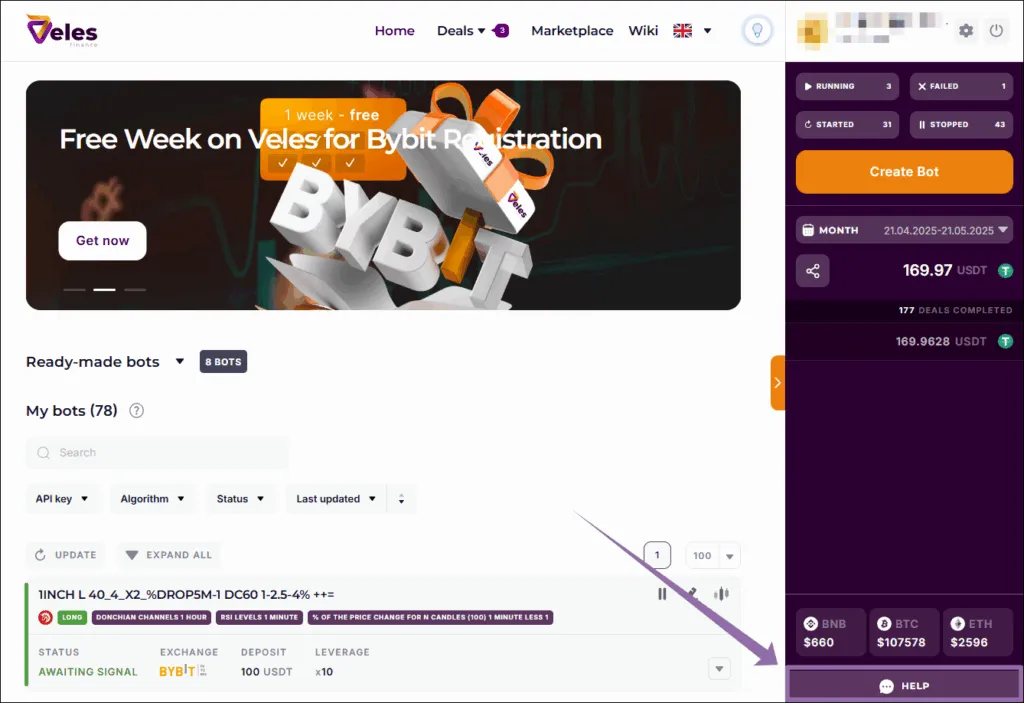
Section titled “Technical support”To contact technical support, use the “Help” button in your personal cabinet.
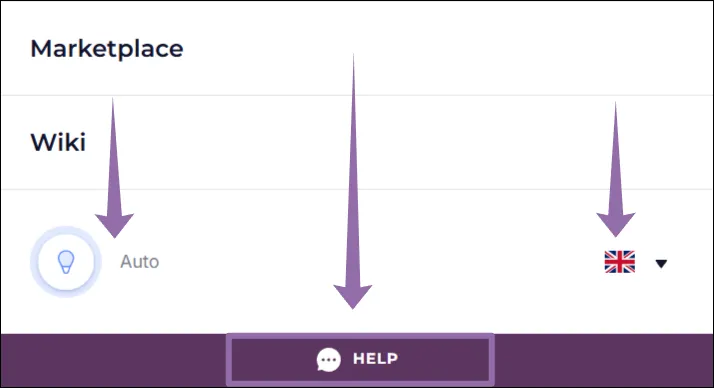
On mobile devices open the menu (”☰” button on the left at the top), then scroll down to the button block. There is a light/dark theme switch (“light bulb”), a “Help” button and a language choice (“flag”).
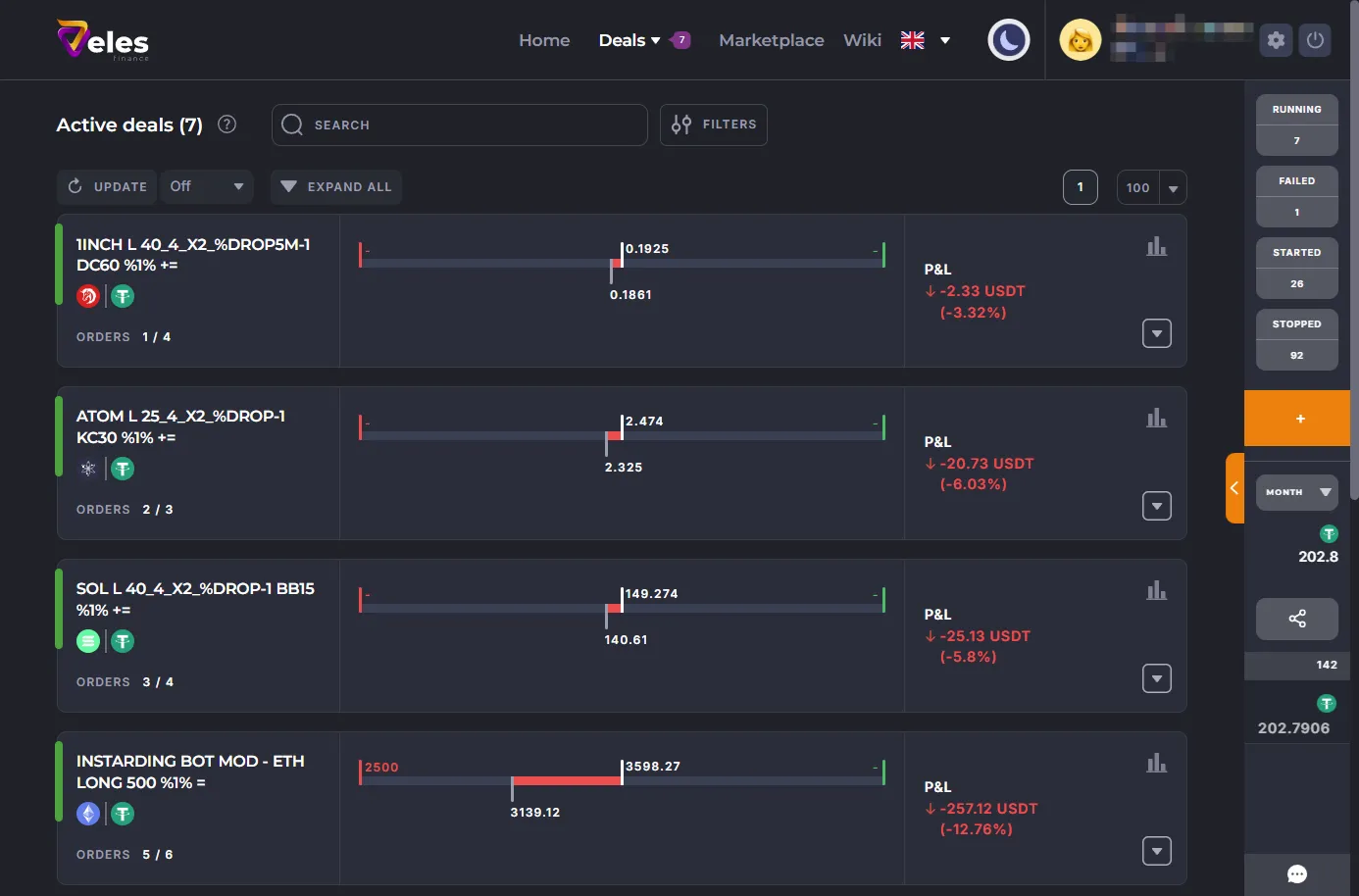
The Deals section contains all the information on the trading operations of your bots.
Active deals
Section titled “Active deals”Only open deals from the running bots are displayed here. If the bot is not trading at the moment, it will not be visible in this list.
🔗 https://veles.finance/cabinet/deals
Statistics
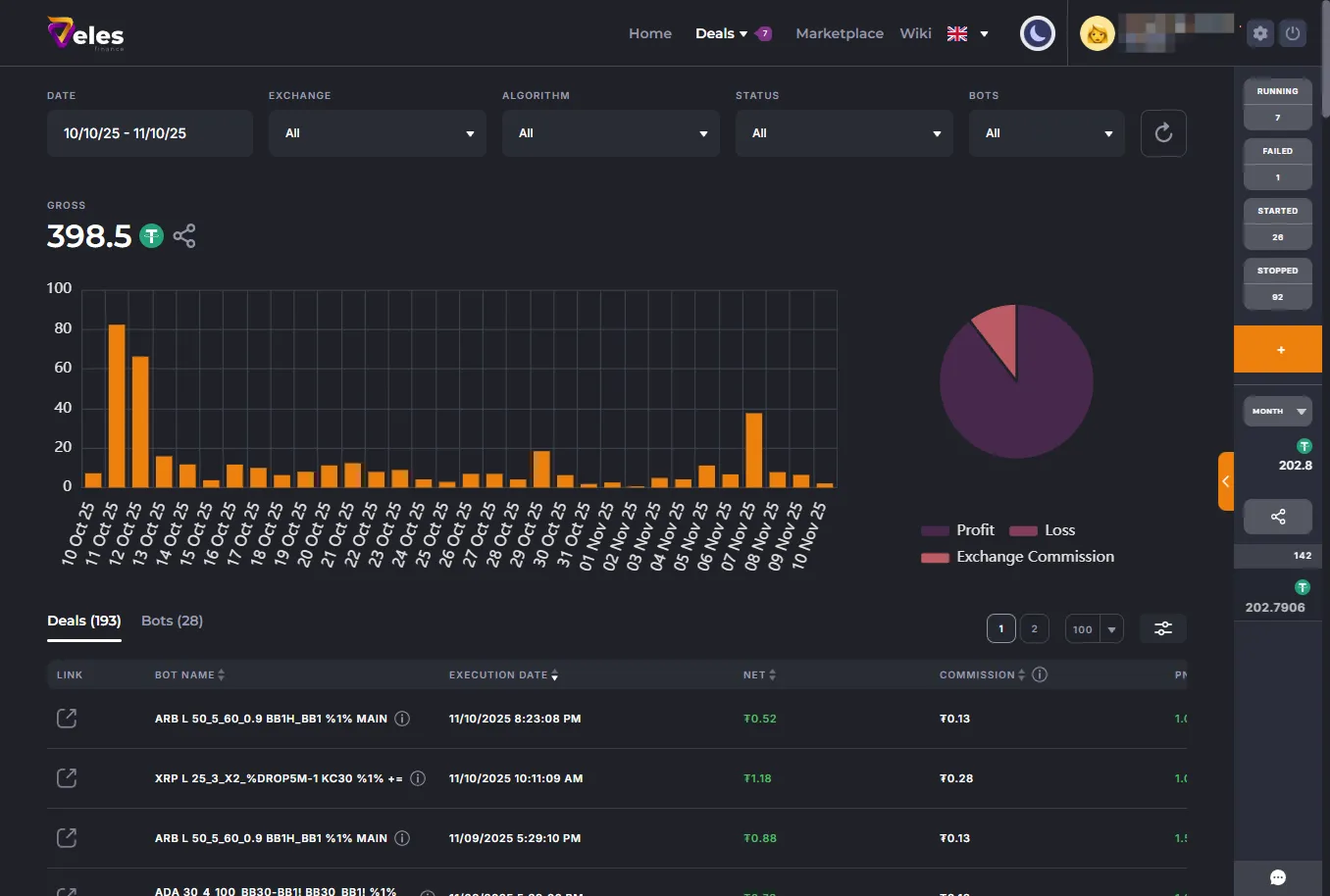
Section titled “Statistics”This section contains reports on completed deals.
Please note that this page is not a trader’s diary, but an interim analysis tool with key performance indicators.
Backtests
Section titled “Backtests”🔗 https://veles.finance/cabinet/backtests
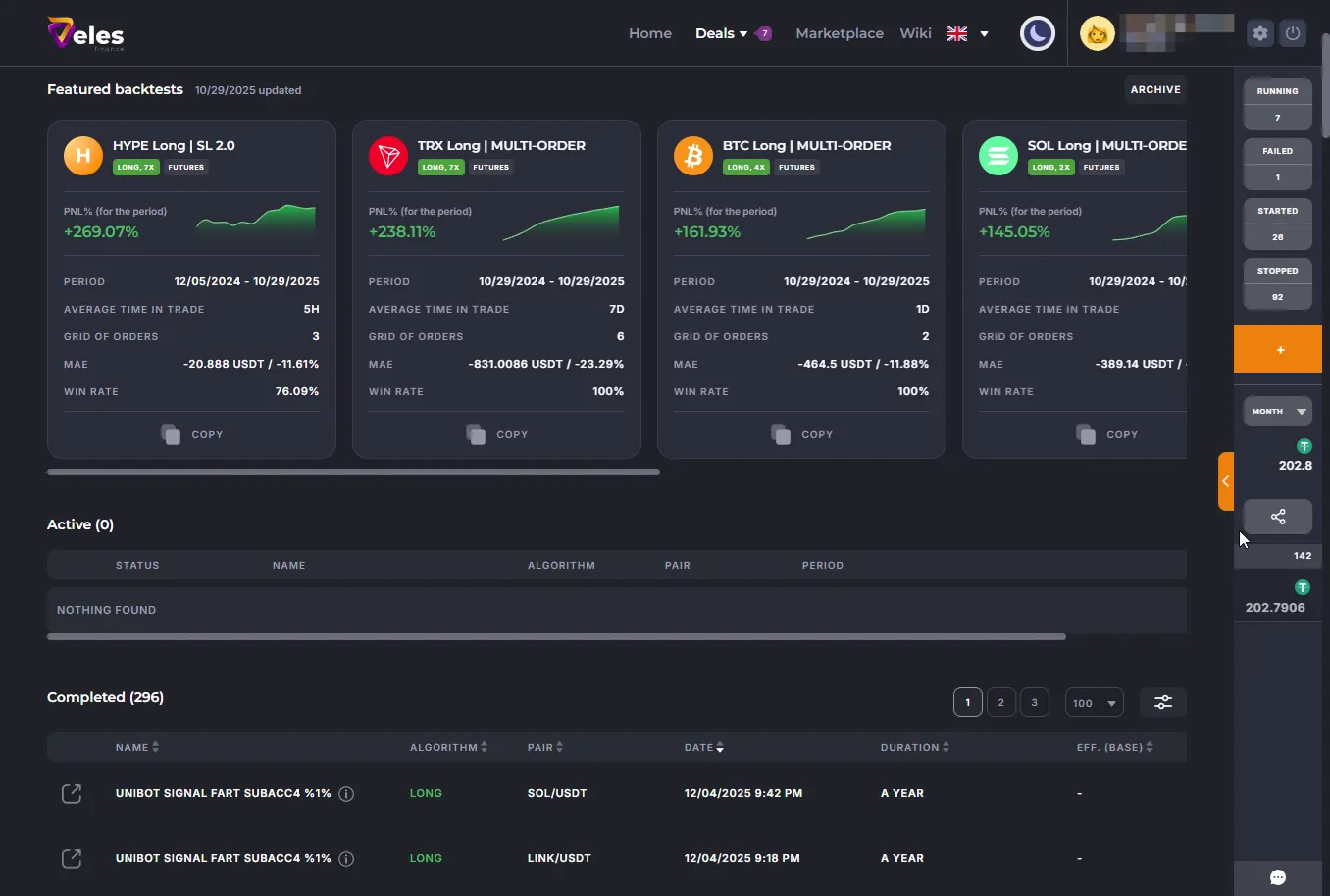
On the Backtests page you can:
- Purchase a subscription to Unlimited simulations,
- View your backtesting history,
- Run a strategy check before real trading.
Backtest is a mandatory step before launching any trading bot.
More about backtests
Challenges
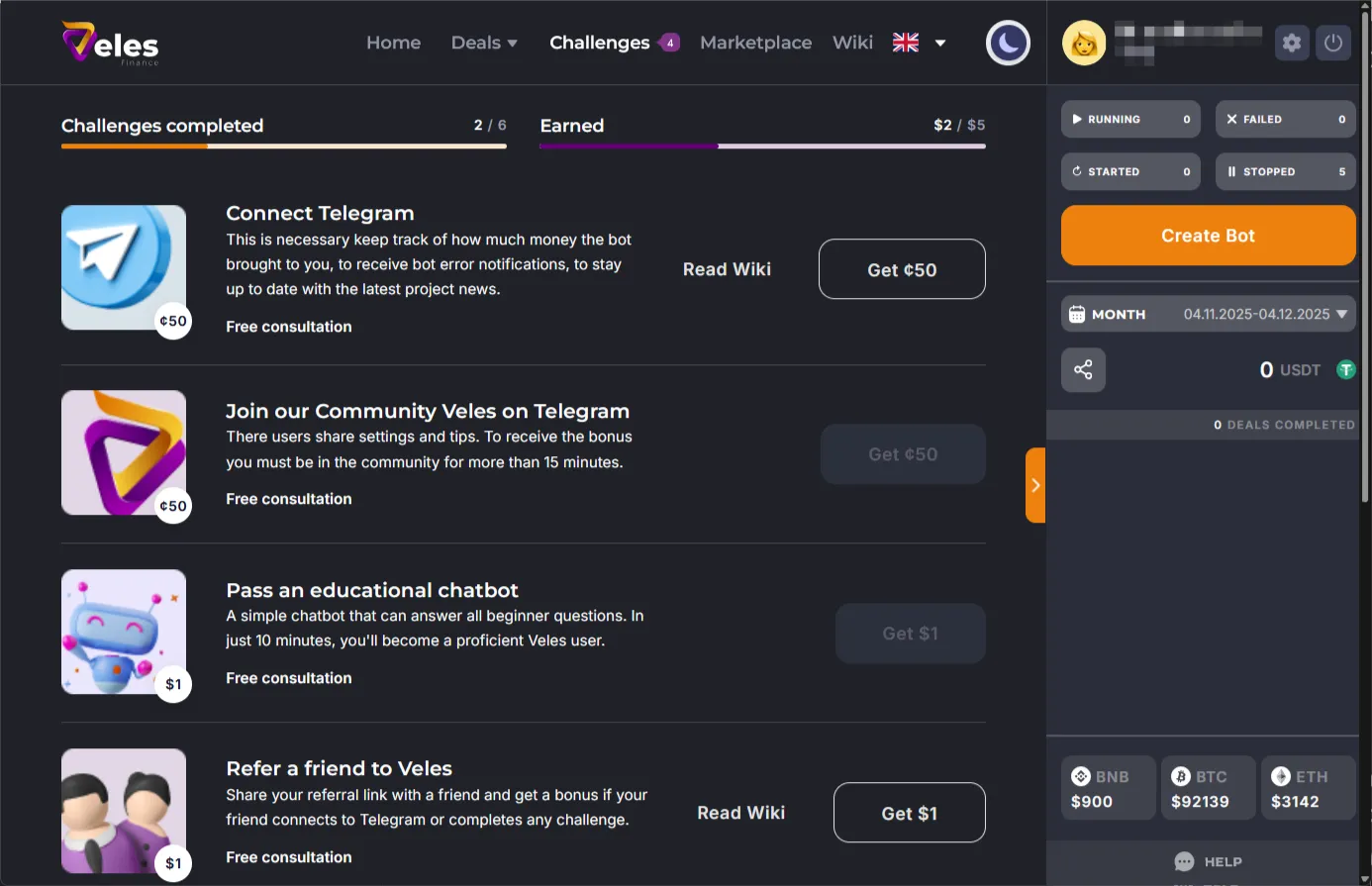
Section titled “Challenges”The Challenges page is the starting page for beginners. Complete the tasks and receive bonus credits, which can be used to pay the commission for the first deals.
After completing all the Challenges, the page is no longer displayed.
Marketplace
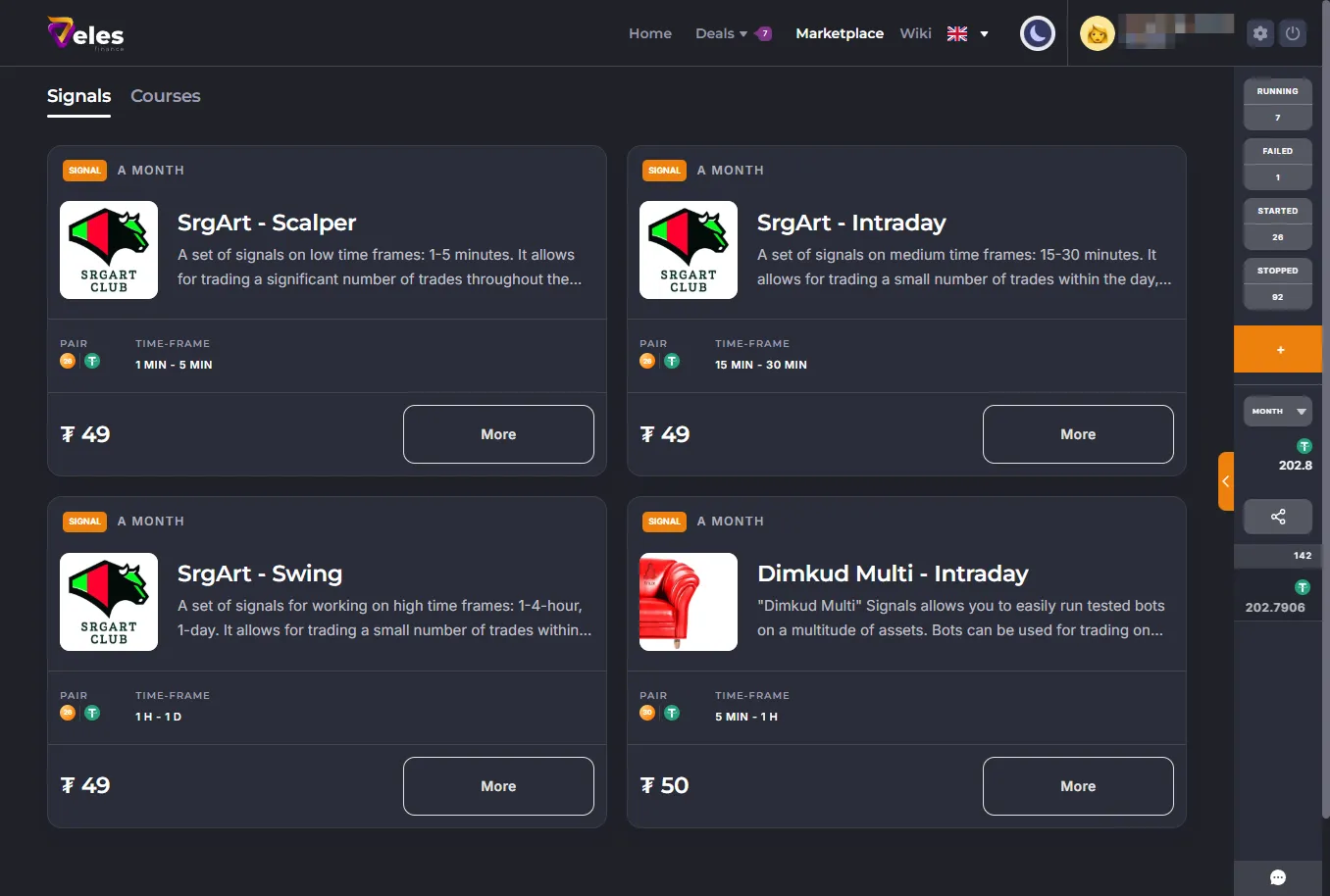
Section titled “Marketplace”The Marketplace section contains offers of external products and services available on the Veles platform.
A link to Veles knowledge base you are reading now. It contains documentation, instructions, and manuals for all functions of the platform.
Profile
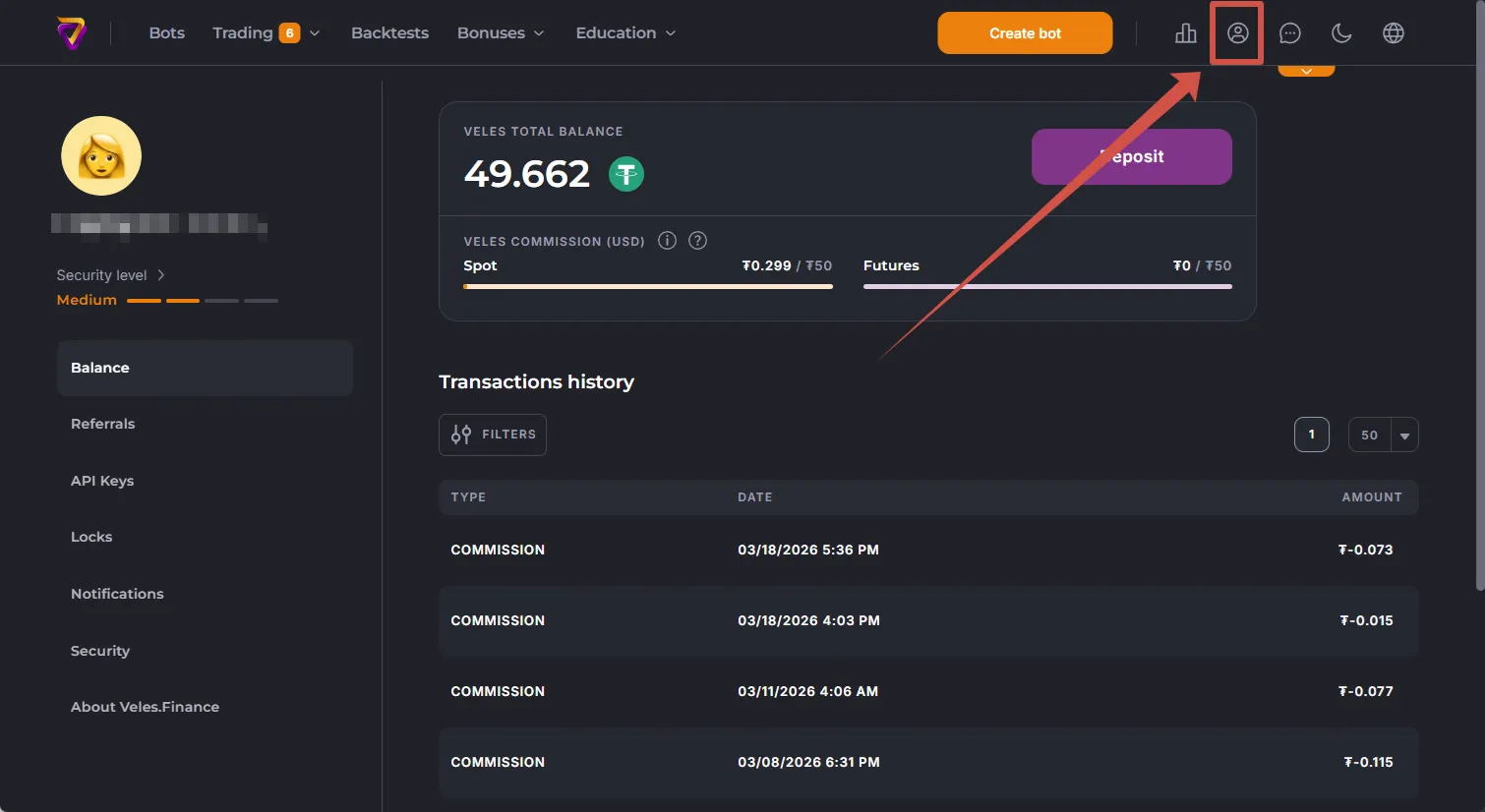
Section titled “Profile”The Profile section contains the following settings:
- current account balance and a list of transactions,
- participation in the referral program,
- API bindings,
- API bindings’ locks,
- notifications,
- security.
Now you are familiar with the main sections of the Veles personal cabinet. The next step is to learn how to create and manage bots.