Take Profit
There are three ways to close a deal on the Veles platform:
- Simple Take Profit (limit order)
- Multi-takes with Stop Loss to breakeven
- Signal Take Profit by the indicator
”Simple” Take Profit
Section titled “”Simple” Take Profit”This is the basic and most familiar mode of operation.
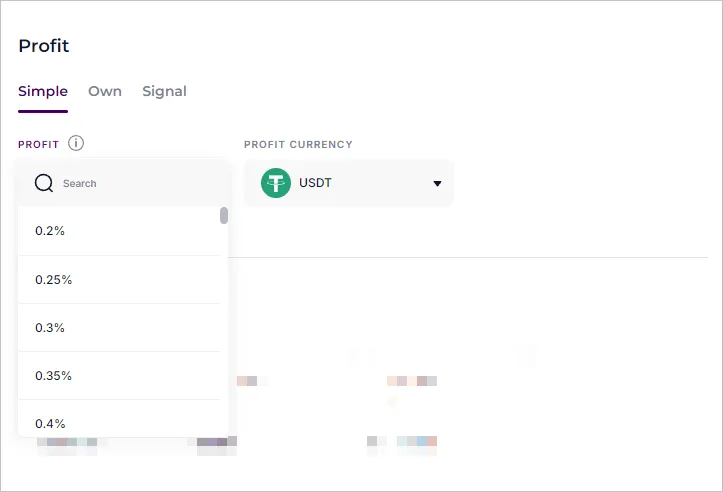
In the “Profit” field, set the percentage of profit from the average deal price. The bot places a limit order on the exchange, which will close the deal when the price reaches the specified percentage.
After execution of each averaging order, the bot deletes the old Take Profit order and creates a new one with updated price and volume.
Trailing Stop
Section titled “Trailing Stop”The Trailing Stop feature is available on the Binance, BingX, Bitget and OKX exchanges. This is an order that follows the price movement and is activated when the price is rolled back.
Recommended values:
- “Activation price (Profit)” — from 1%
- “Deviation percentage” — from 0.5%
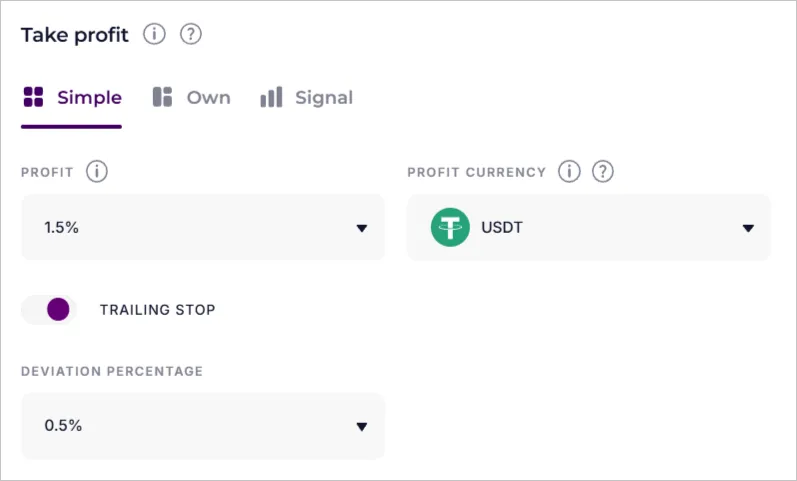
Example:
- Profit reached 1.5% — the bot sets the closing level at 1.0%.
- If the price drops to 1.0% profit, the position is closed.
- If the price increases, the closing level is recalculated: 1.6 → 1.1 %, 1.7 → 1.2 %, and so on.
Profit currency
Section titled “Profit currency”When trading on the spot, the “Profit Currency” setting is available. It works only for limit orders that close or shorten the deal.
Working principle
Section titled “Working principle”Each trading pair consists of two currencies: Base / Quote (base / quoted).
For example, in ETH/USDT pair: ETH = Base, USDT = Quote.
Example 1. Profit in the quote currency (Quote)
Section titled “Example 1. Profit in the quote currency (Quote)”| Action | Calculations |
|---|---|
| Buy | 1 ETH × 1000 USDT |
| Sell | 1 ETH × 1500 USDT |
| Profit | 500 USDT |
Example 2. Profit in the base currency (Base)
Section titled “Example 2. Profit in the base currency (Base)”| Action | Calculations |
|---|---|
| Buy | 1 ETH × 1000 USDT |
| Sell | 0.666 ETH × 1500 USDT |
| Profit | 0.334 ETH |
Example for the BTC/USDT market
Section titled “Example for the BTC/USDT market”- Bot Long → profit is taken in USDT
- Bot Short → profit is taken in BTC
If the profit is less than the minimum order volume, the profit in the coin will also not work.
”Own” mode — Multitakes
Section titled “”Own” mode — Multitakes”Multitakes allow you to close a position in parts — at different profit levels.
After the first order executed, the bot builds a grid of Take Profit orders and places the first Take Profit. Each new order is placed sequentially, and the TP-grid is recalculated if a new averaging occurs in the deal.
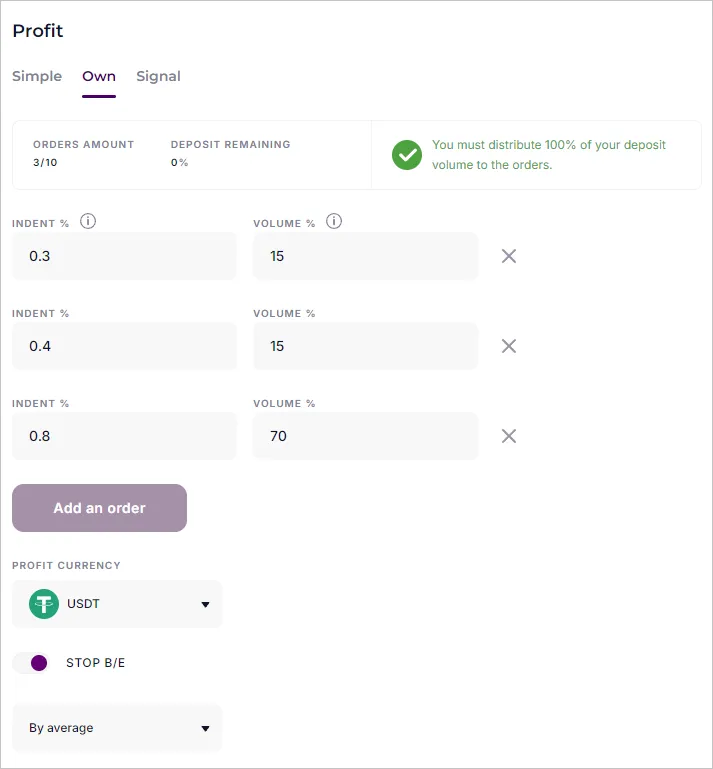
In the “Profit” section, select the “Own” mode, add several orders and configure the parameters:
- Indent %: set the indent from the average deal price
- Volume %: the proportion of positions closed at this level
This way you will unload your deal in stages and reduce the risk of a market reversal.
Stop Loss at breakeven
Section titled “Stop Loss at breakeven”The function is only available in the “Own” mode if two or more Take Profit orders are configured. It prevents the deal from going back to drawdown after the first take is executed.
Setting options
Section titled “Setting options”- By Take Profit
- No deviation
- With positive deviation (recommended)
- With negative deviation
- By average price in a deal
- No deviation
- With positive deviation (recommended)
- With negative deviation
After the first Take Profit executed, the bot cancels the averaging grid and always sets the Stop Loss at the average deal price level, taking into account the deviation setting.
After the second Take Profit, the setting is applied:
- “By Average” — the Stop Loss remains at the average deal price;
- “By Take Profit” — the Stop Loss is moved to the level of the previous Take Profit.
”Signal” mode — closing by indicator
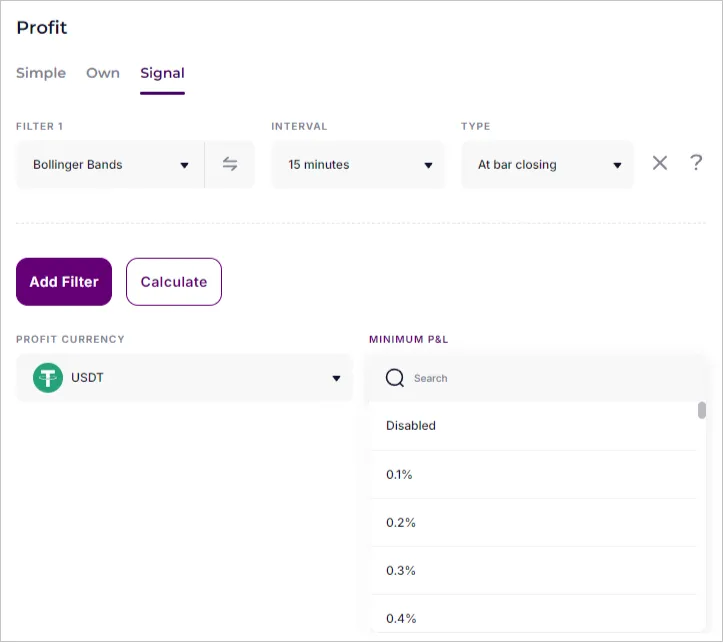
Section titled “”Signal” mode — closing by indicator”In this mode, the bot closes the deal automatically when it receives a signal from the indicator.
Example:
If the bot is in Short algorithm and the Donchian Channel indicator is selected, the deal will be closed at an oversold signal.
How to configure:
-
Open the “Signal” tab in the “Profit” block.
-
Press “Add filter” and select an indicator (or combination of filters).
-
Configure the “Minimum P&L” parameter so that the bot does not close the deal before the set profit. The minimum value is 0.1%.