
Create Hyperliquid account
You can create a Hyperliquid account using a wallet or email.
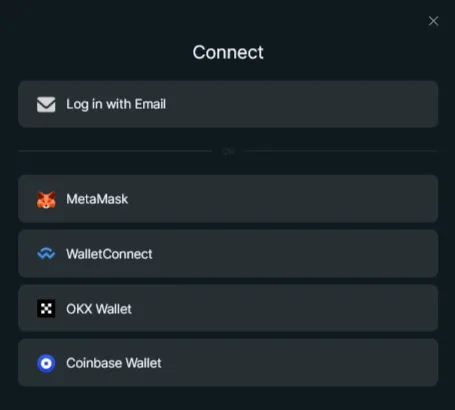
Open the registration page and click Connect.

Register with a wallet
Section titled “Register with a wallet”This is the recommended option. It is better suited for Veles users because it is based on a Web3 wallet and makes trading setup easier later.
-
Install the browser extension of your wallet or the application (Metamask, Atomic Wallet, OKX Wallet, Coinbase).
-
Connect the installed extension/application to your wallet.
-
Select the wallet you need. If your wallet is not in the list, use WalletConnect.
-
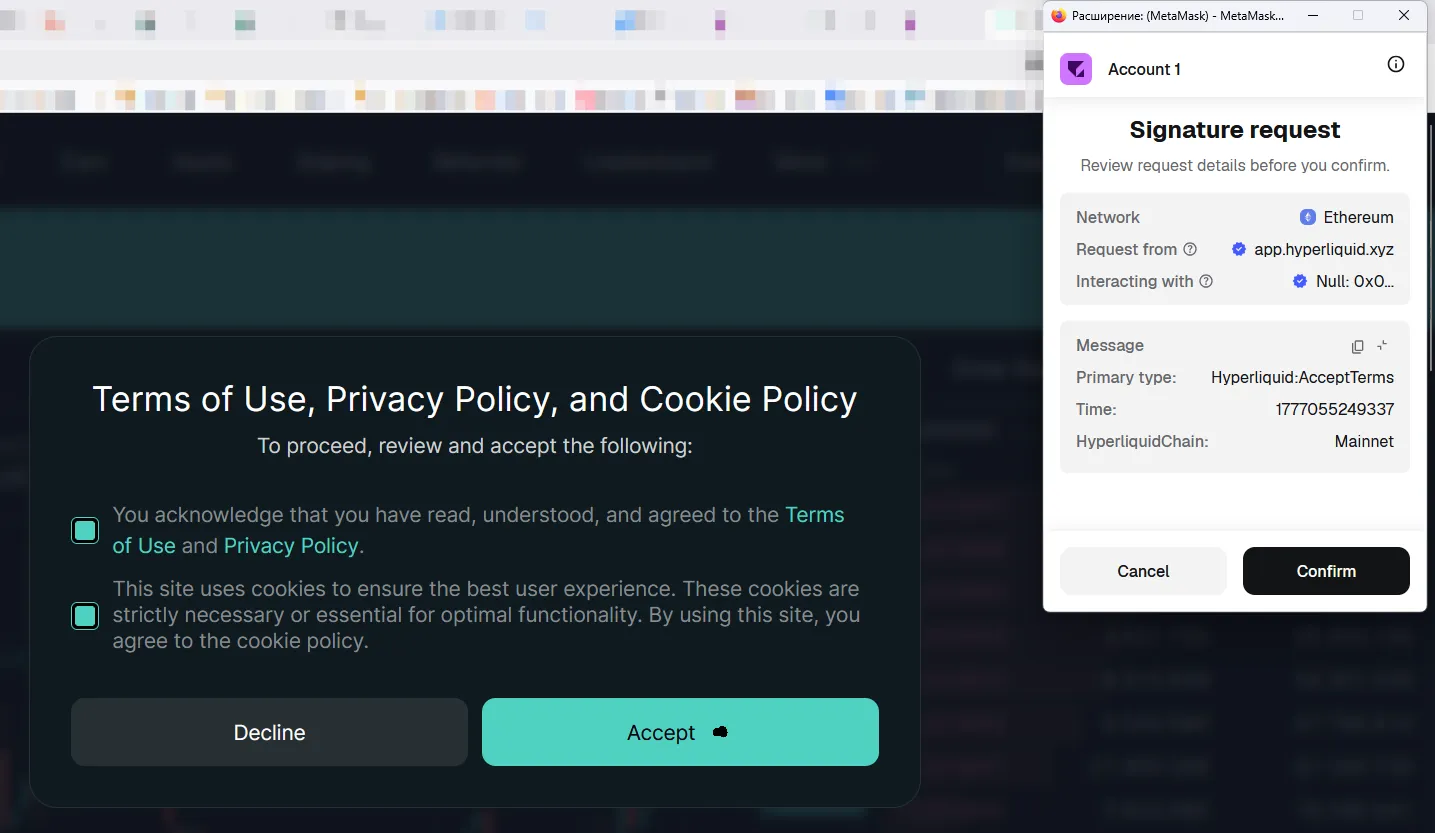
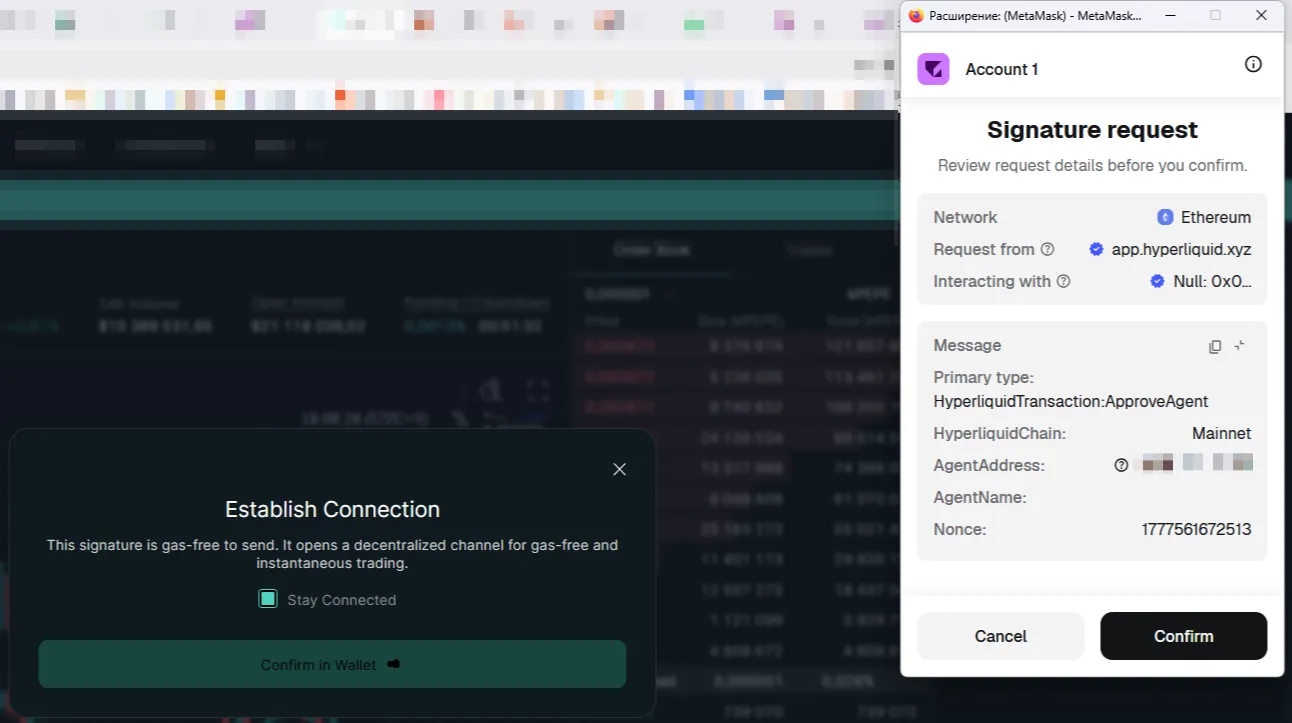
Confirm the connection in your wallet.
Connecting Metamask Wallet
Connecting OKX Wallet
Register with email
Section titled “Register with email”If you do not want to connect a wallet right away, you can register with email.
-
Choose email login.
-
Enter your email and confirm it.
-
Finish account creation.
-
Make sure Disable HIP-3 Dex Abstraction is turned off.