
Technical Support
How to Submit a Request
Section titled “How to Submit a Request”For questions about bot trades, please provide:
- A link to the bot’s settings (click “Share” on the bot card).
- The bot ID and deal ID (displayed on the bot card and deal card, as well as in the notifications as #b… and #d…).
- A link to the bot’s backtest for the past week (click “Share” on the backtest page).
You can contact us in several ways.
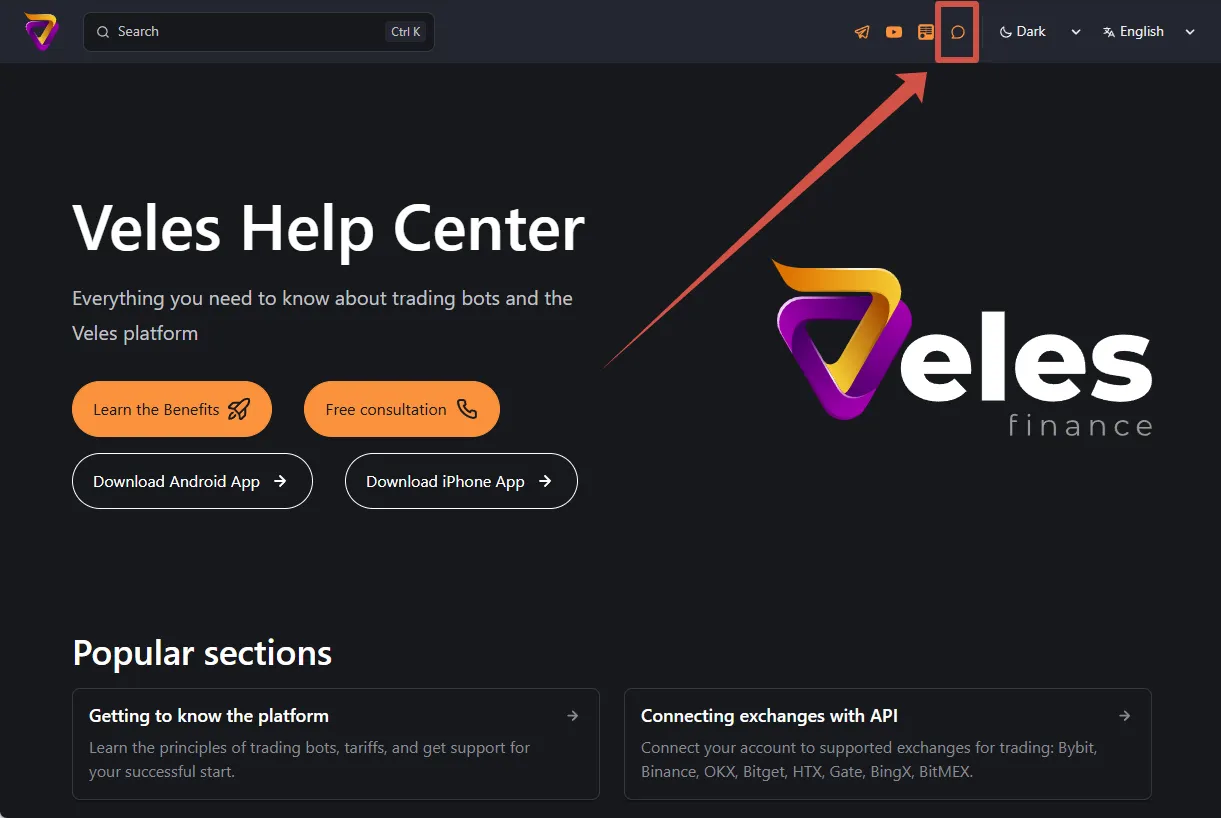
Help on our Wiki website
Section titled “Help on our Wiki website”Click the “Help” button in the upper-right corner of the screen to open a dialog with technical support. Study the suggestions you received from the automatic assistant and call the operator if you need additional information.
Expanded chat window can be moved around the screen if it blocks the buttons.
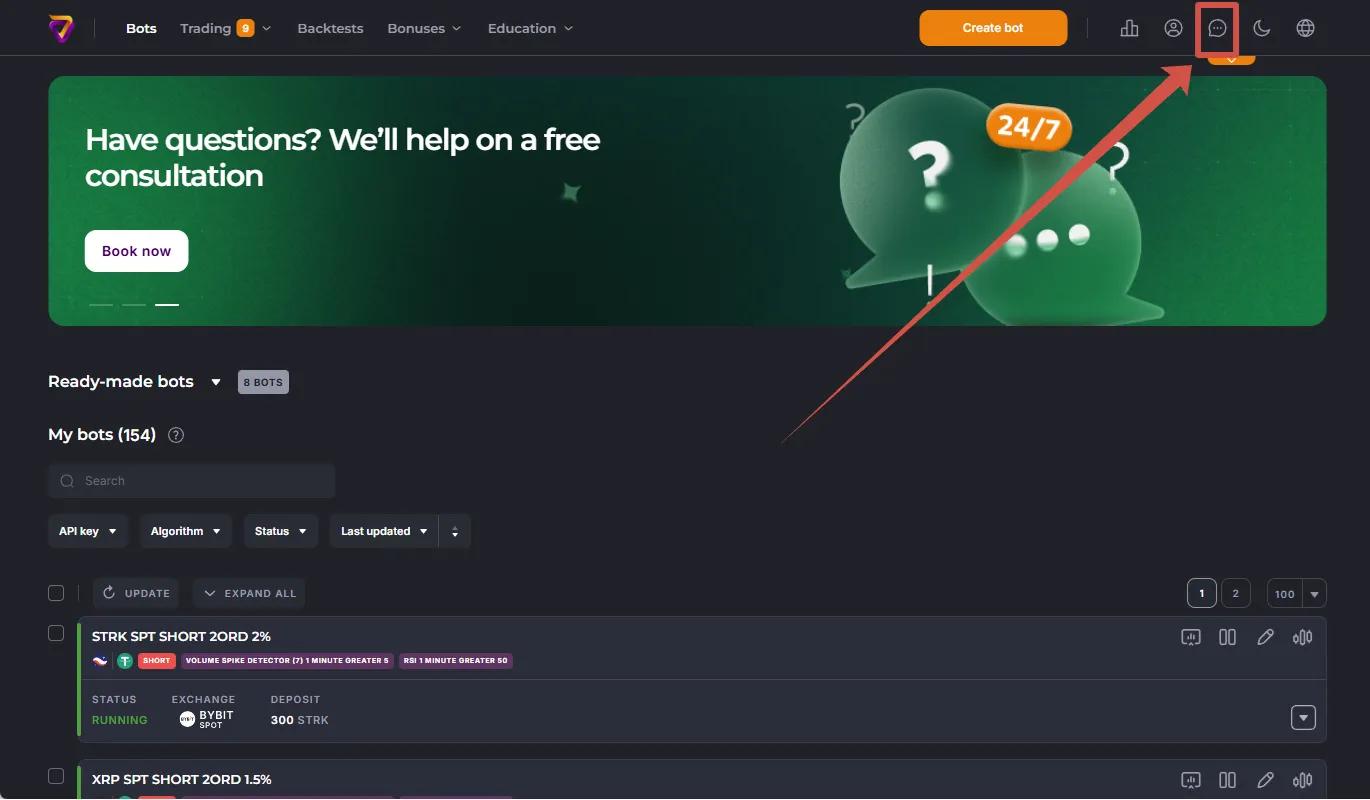
Help in Your Personal Account
Section titled “Help in Your Personal Account”Click the “Help” button in the upper-right corner of the screen to open a dialog with technical support. Study the suggestions you received from the automatic assistant and call the operator if you need additional information.
Expanded chat window can be moved around the screen if it blocks the buttons.
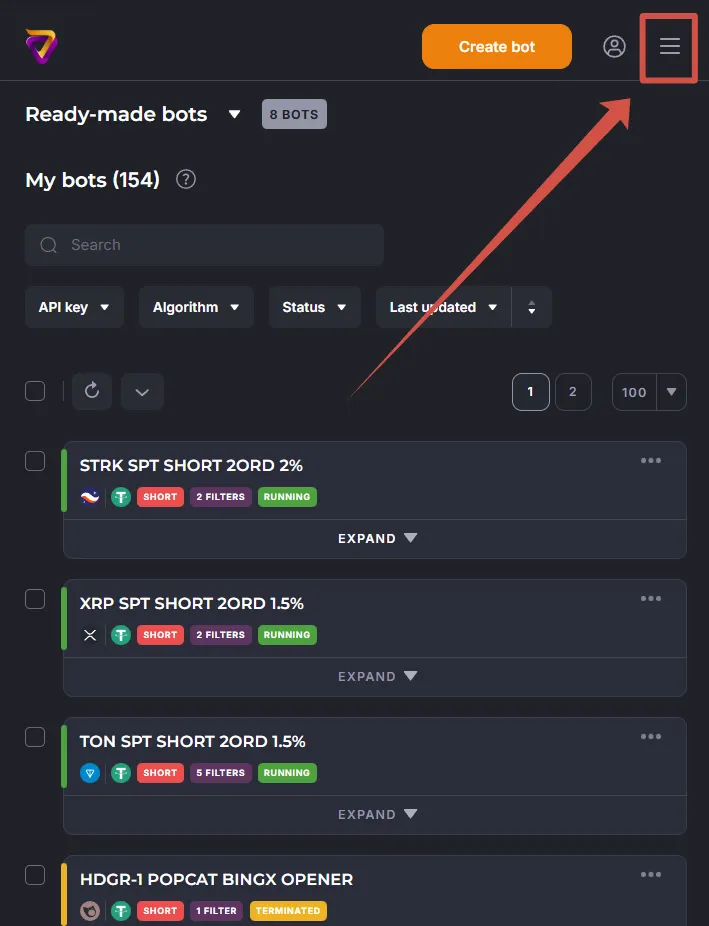
On mobile devices in the web cabinet, the button is located in the “Three Stripes” menu:
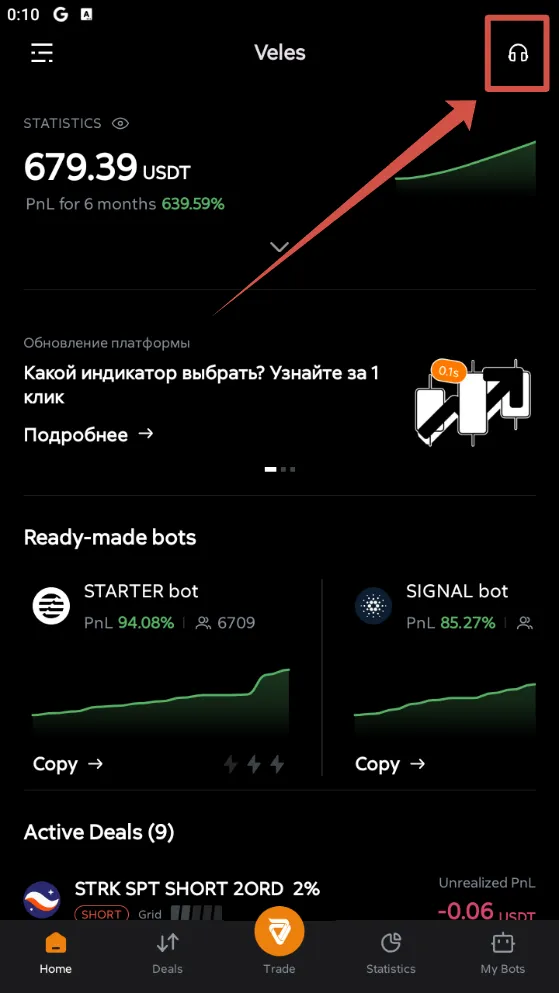
In mobile apps, the button is located on the top right:
Telegram
Section titled “Telegram”- Direct messages: @VelesSupportBot.
Start the bot with the
/startcommand, type your question. Study the suggestions you received from the automatic assistant and call the operator if you need additional information. - Official group: @VelesCommunityEn. More about working with the group: Telegram Community.
Write to [email protected]. This method is especially convenient for requests with attached files — everything goes straight into a ticket, which is automatically created in the queue.