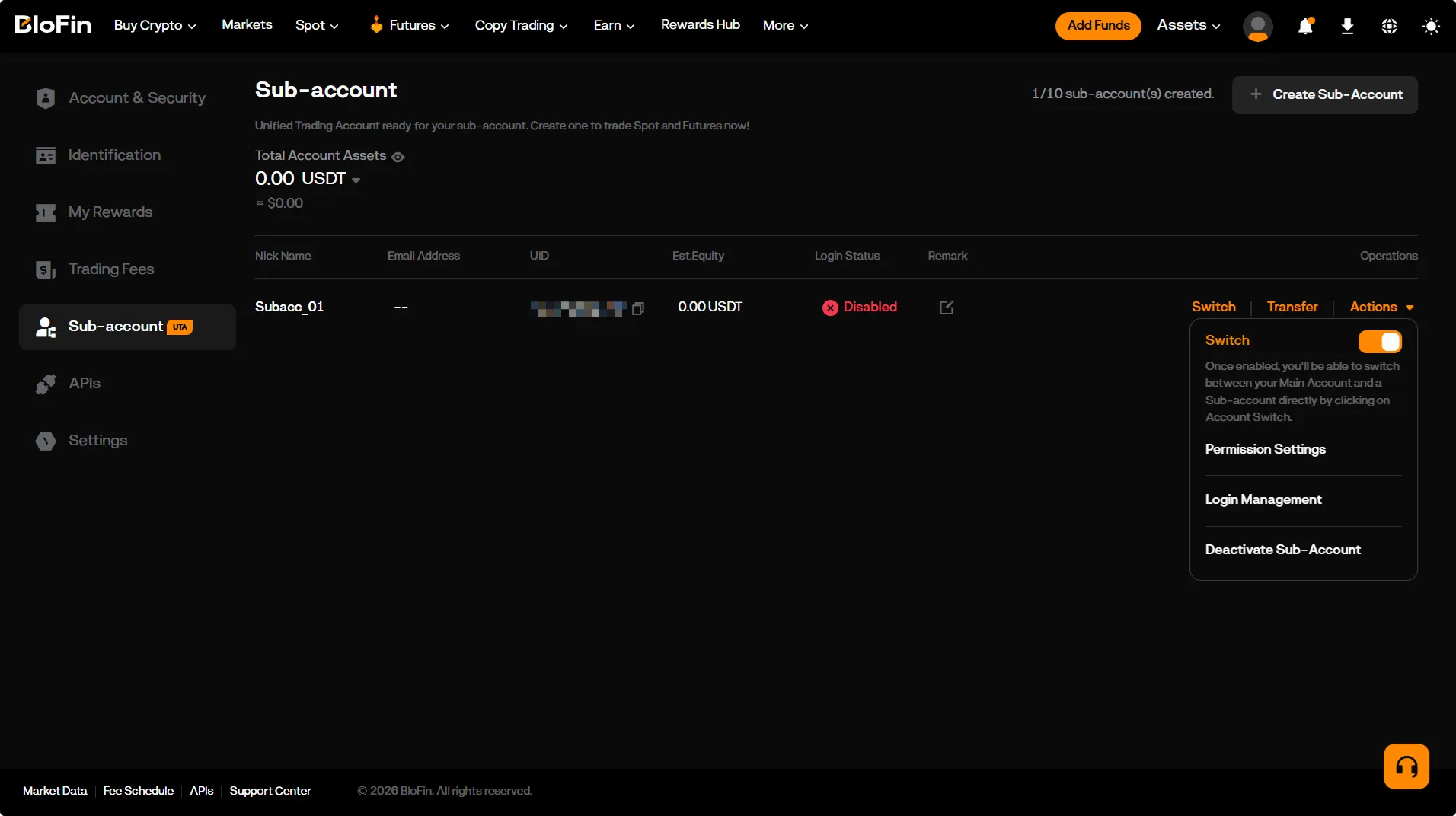
Creating a BloFin Sub-account
Sub-accounts on BloFin allow you to separate and independently manage trading strategies — each sub-account can be connected to Veles using its own API key.
-
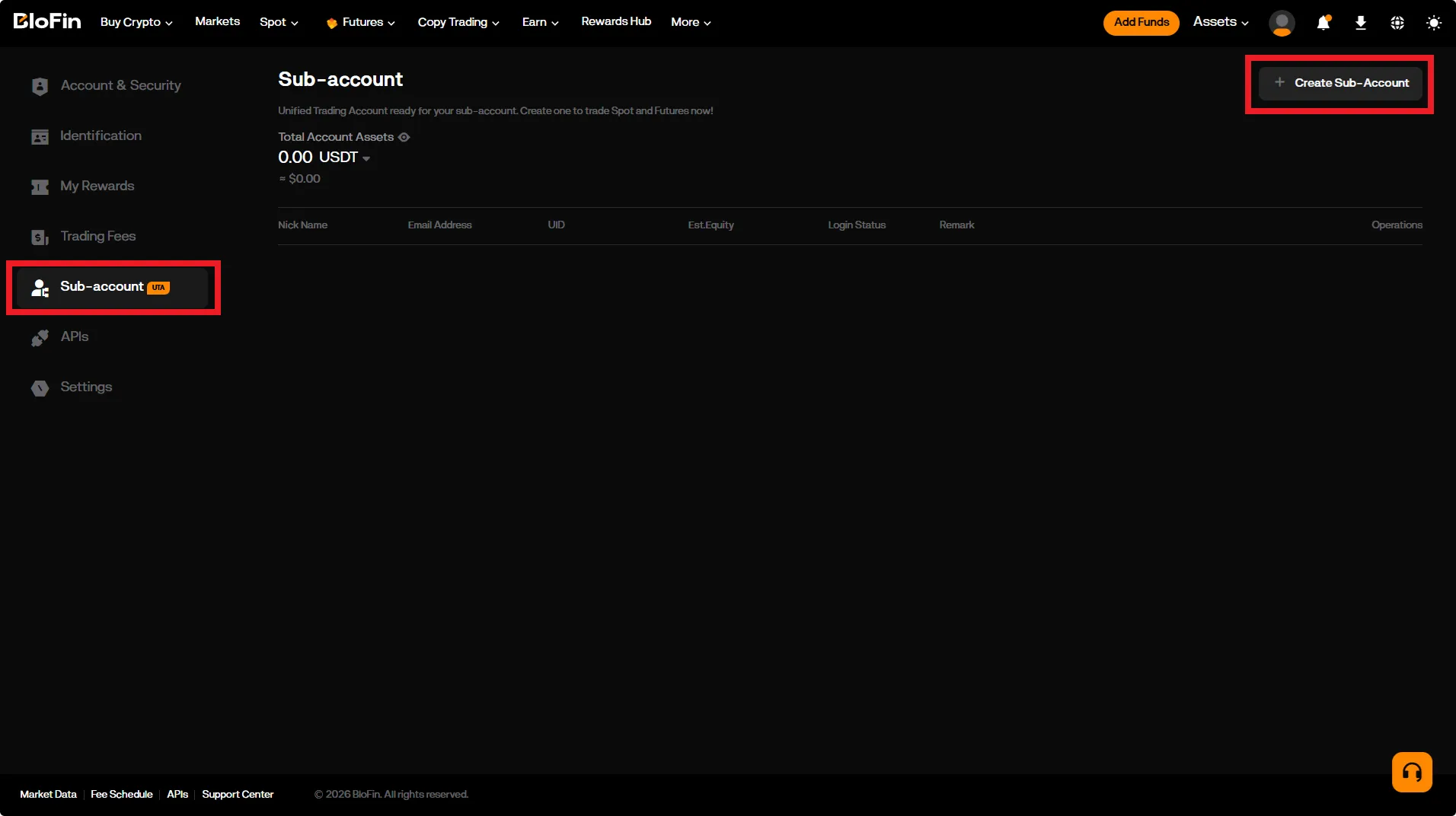
Go to the sub-account management page:
https://blofin.com/account/sub-account -
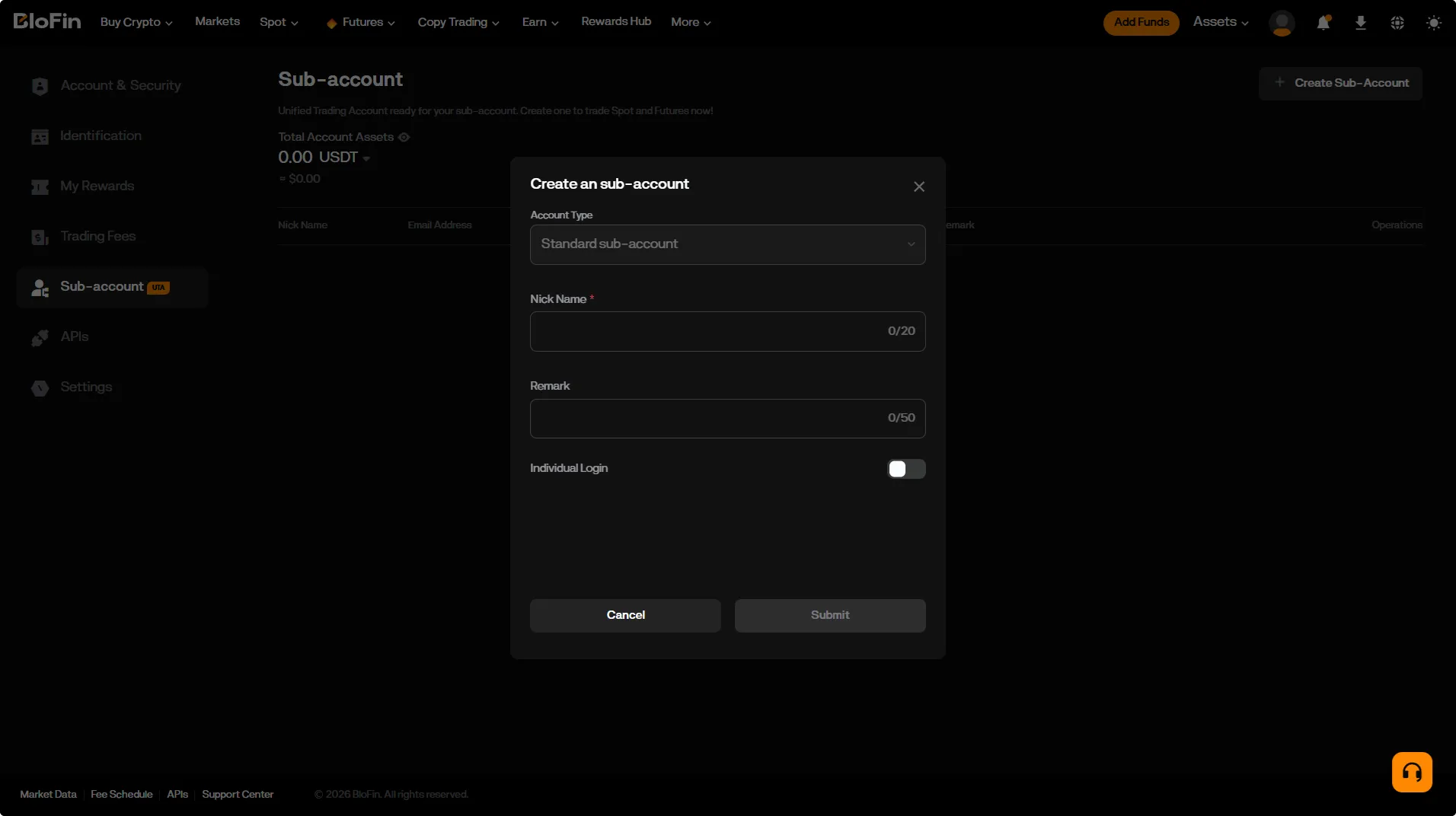
Click the “Create Sub-account” button and select “Standard Sub-account”.
-
Enter a name for the sub-account and click “Submit”.
-
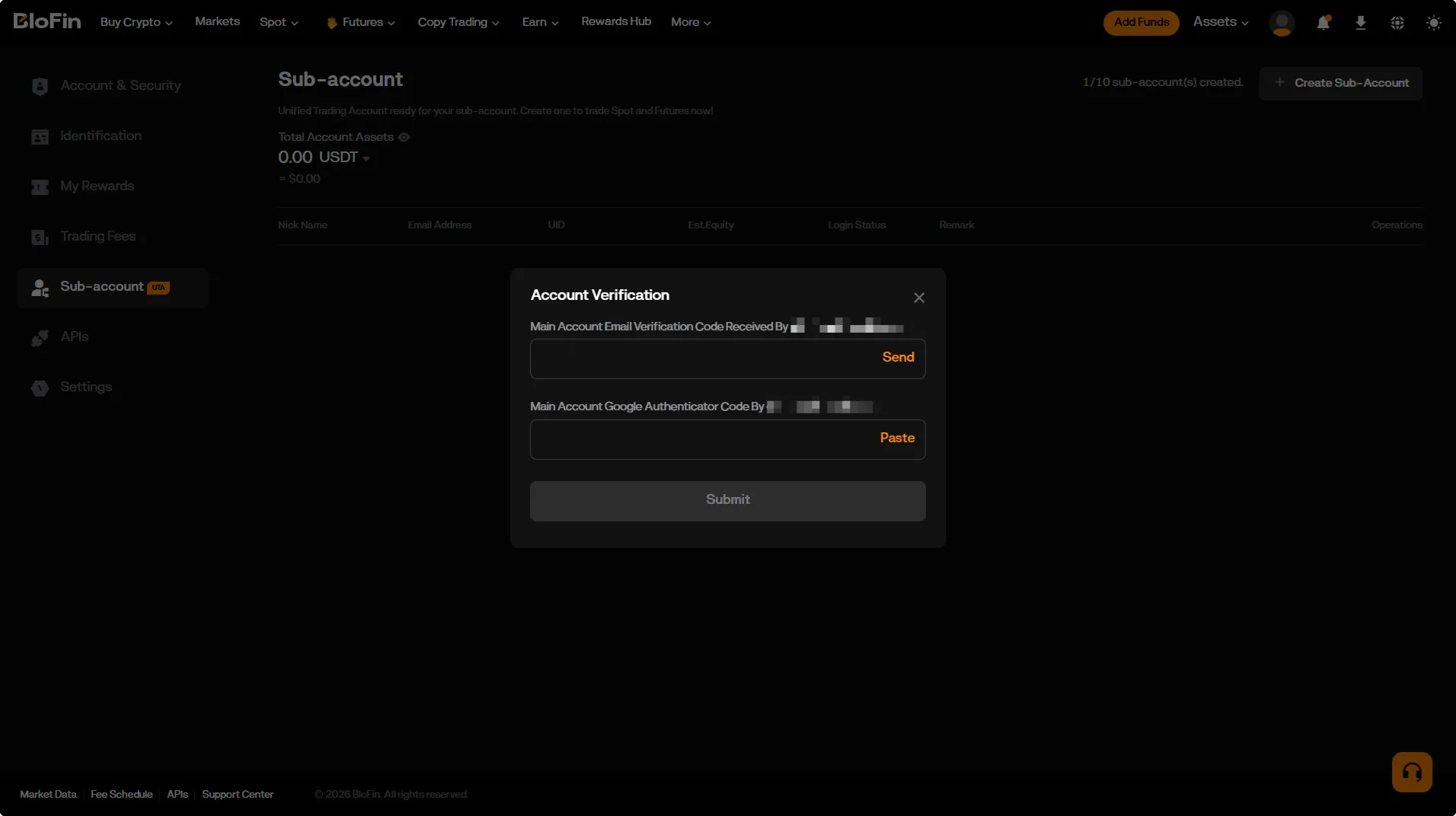
Complete the verification process when prompted by the system.
-
Done! The sub-account has been created.
You can now switch to it to trade with Veles (click “Switch”).
Manually create an API connection for it by following our instructions.