On this page
Funding Your BloFin Account
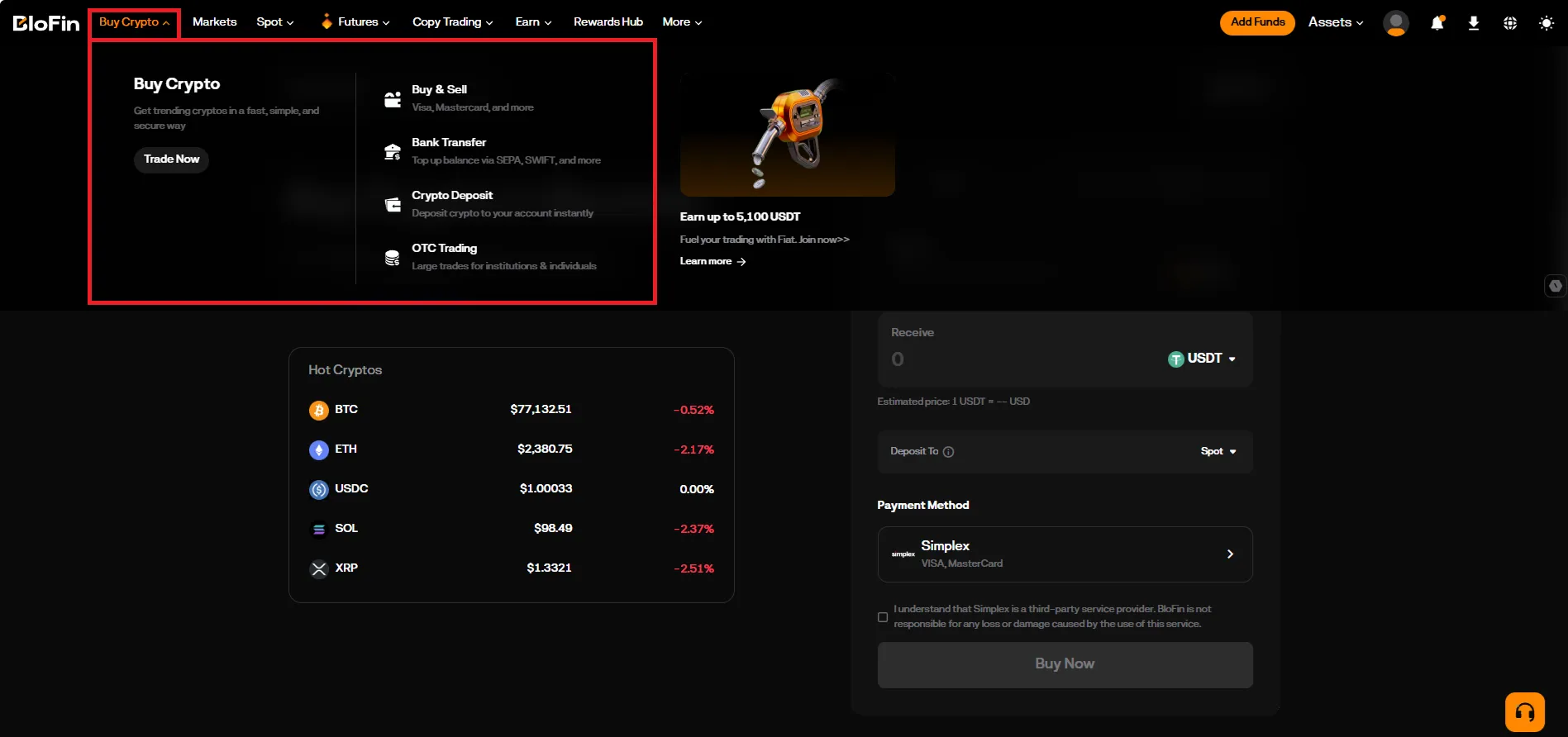
The cryptocurrency exchange BloFin offers several ways to top up your balance: bank cards and cryptocurrency transfers. Let’s look at each option so you can choose the one that is most convenient and secure.
Account topped up, but funds aren’t showing up in Veles?
Section titled “Account topped up, but funds aren’t showing up in Veles?”Once the cryptocurrency transferred to the exchange, the funds may be credited to one of the separate accounts within the Assets section. To use them for trading futures and launch Veles bots, you need to transfer funds to the Futures account.
-
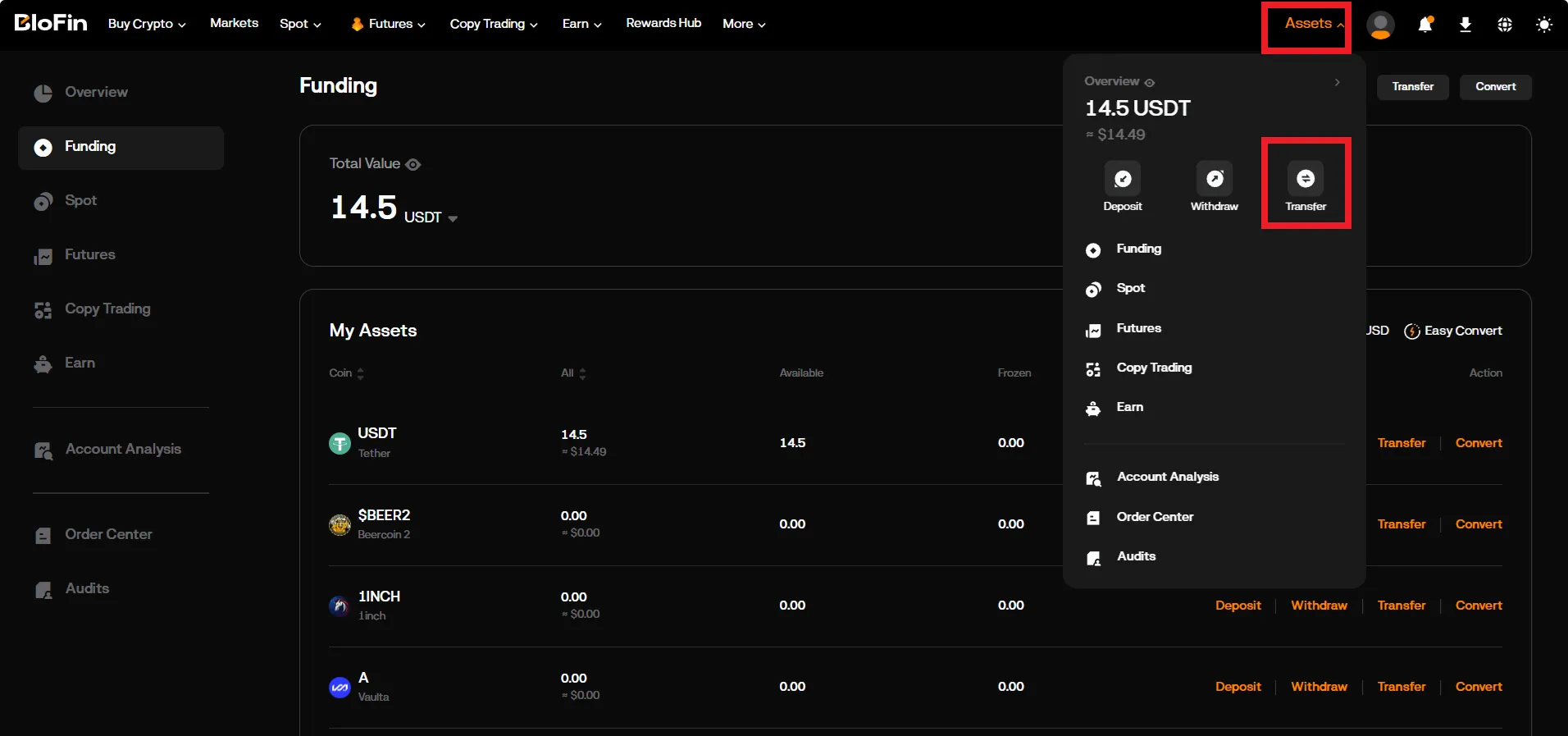
After logging in, go to the “Assets → Transfer” section.
-
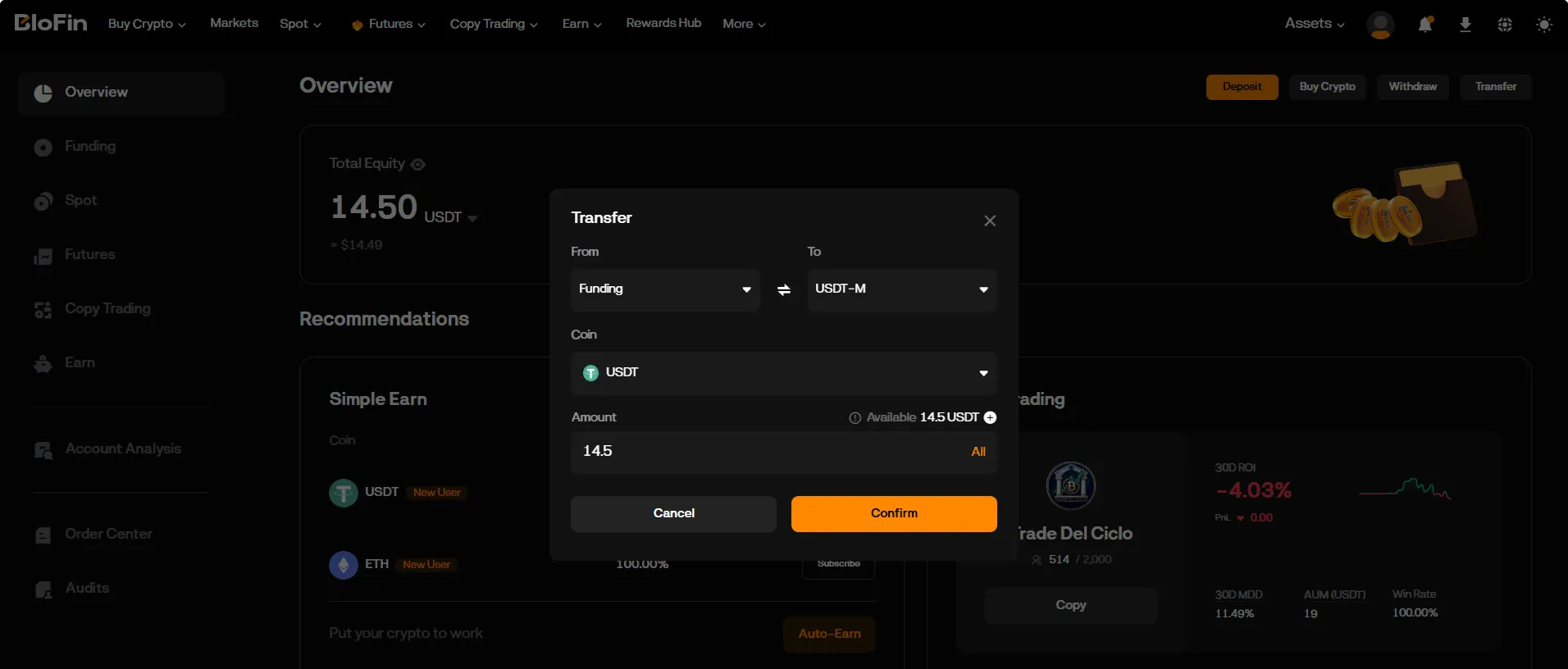
Select the source and destination for the transfer — for example, Funding → USDT-M.
-
Enter the transfer amount and confirm the transaction.
Topping up via wallet transfer
Section titled “Topping up via wallet transfer”If you have funds in another wallet (or on another exchange), you can top up your account via a transfer.
Select the “Assets → Deposit” menu section.
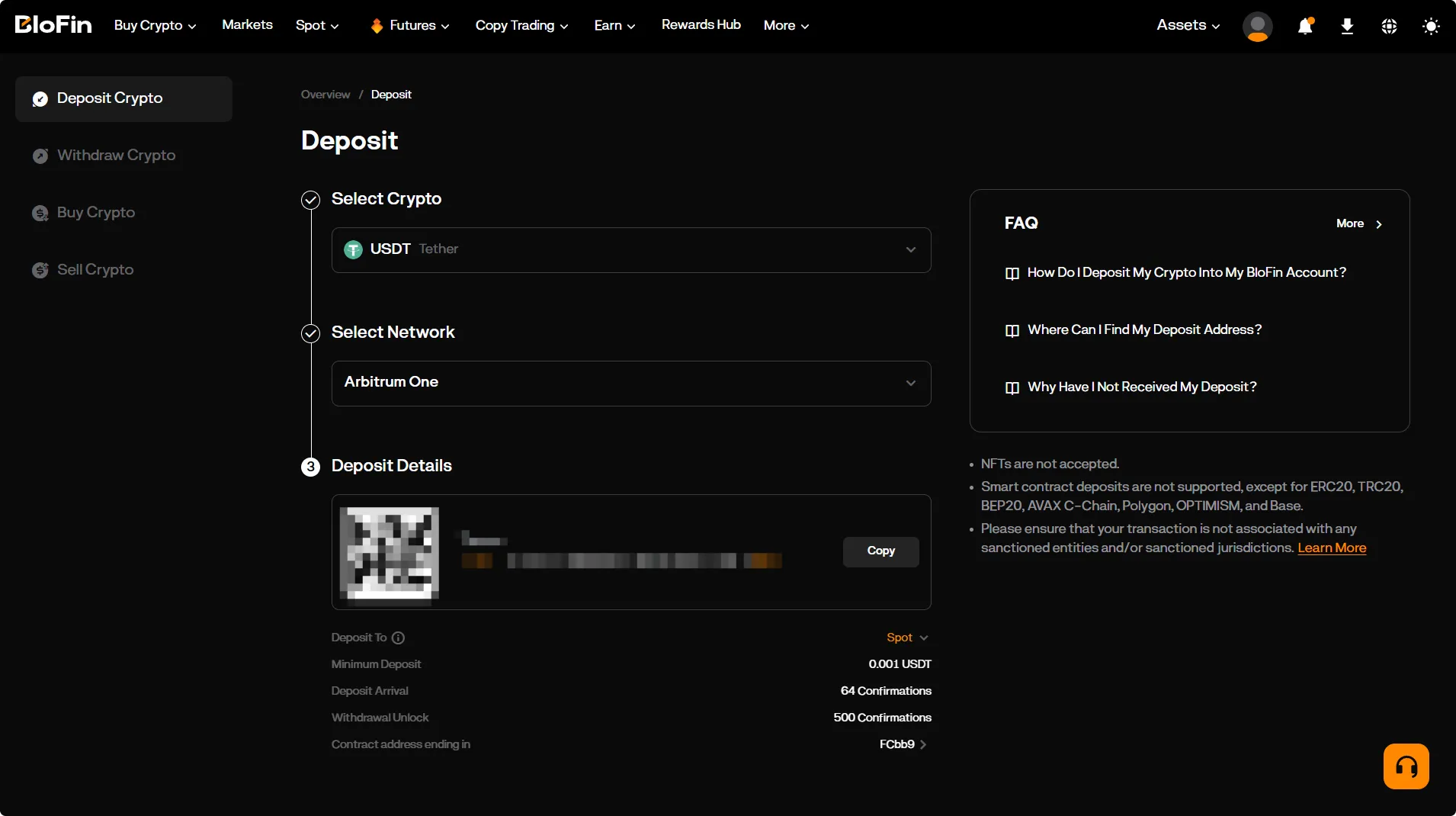
Select the cryptocurrency, network, and internal account for the deposit (“Futures”), then obtain the transfer address.
Buying cryptocurrency on an exchange
Section titled “Buying cryptocurrency on an exchange”If your region of registration allows it, you can buy cryptocurrency on the exchange.