On this page
Veles Broker Asset Management
How to fund the Sub-account
Section titled “How to fund the Sub-account”To fund your Veles Broker sub-account:
-
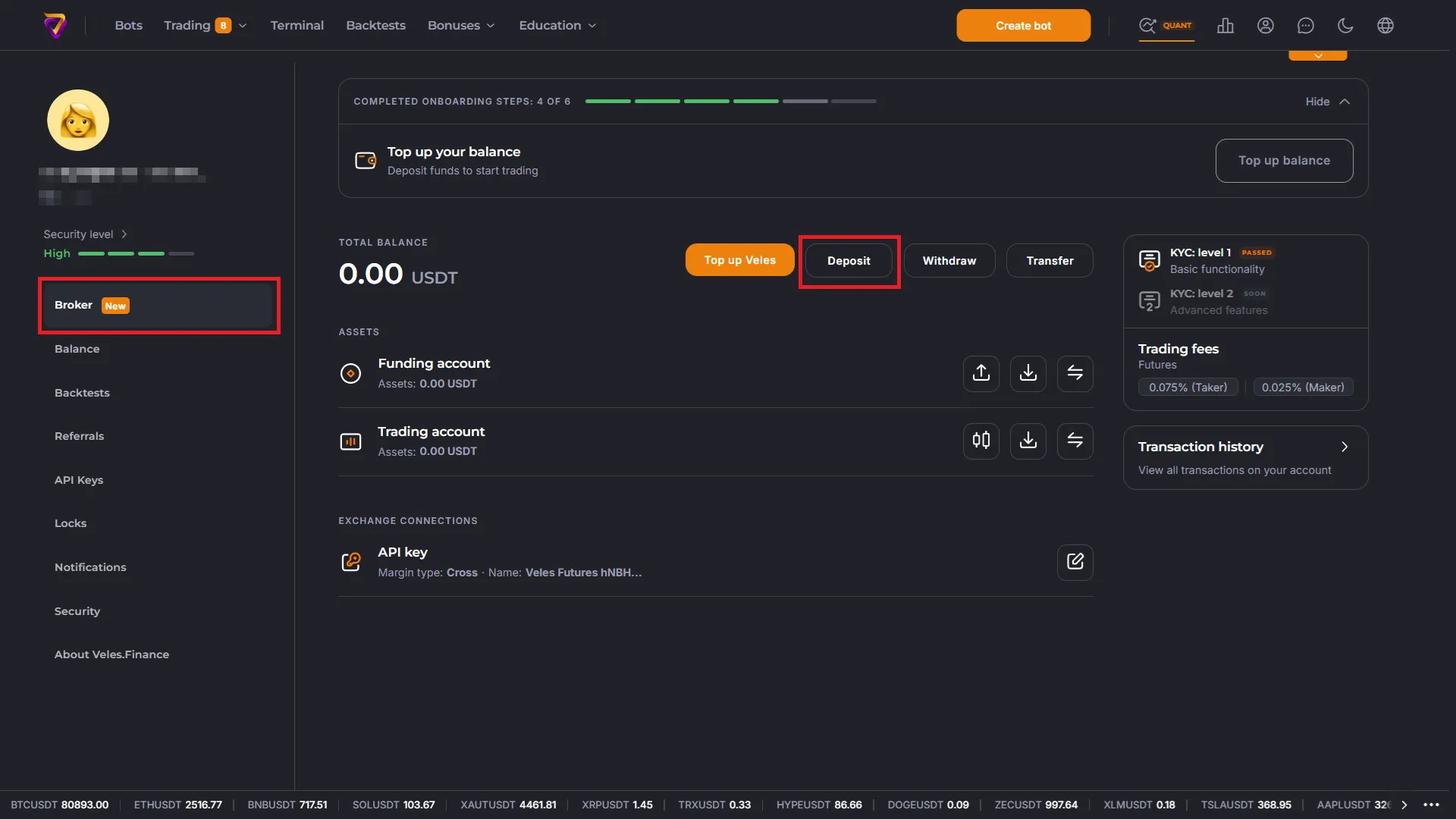
Go to the Broker section of your user profile, click “Deposit”.
-
“Crypto” – top up by transferring USDT from an external wallet, selecting the network from several available options.
The minimum deposit amount is 10 USDT.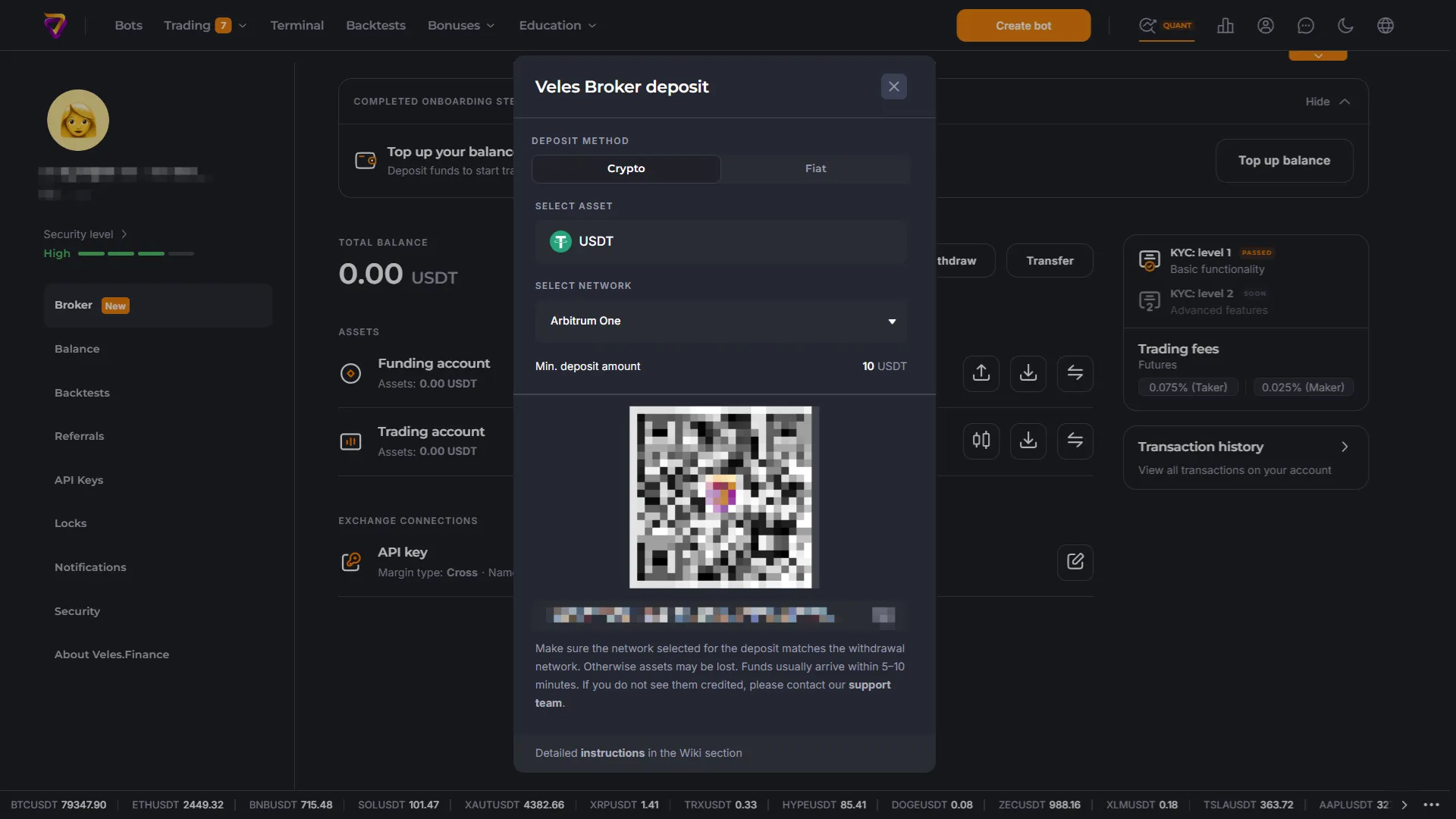
-
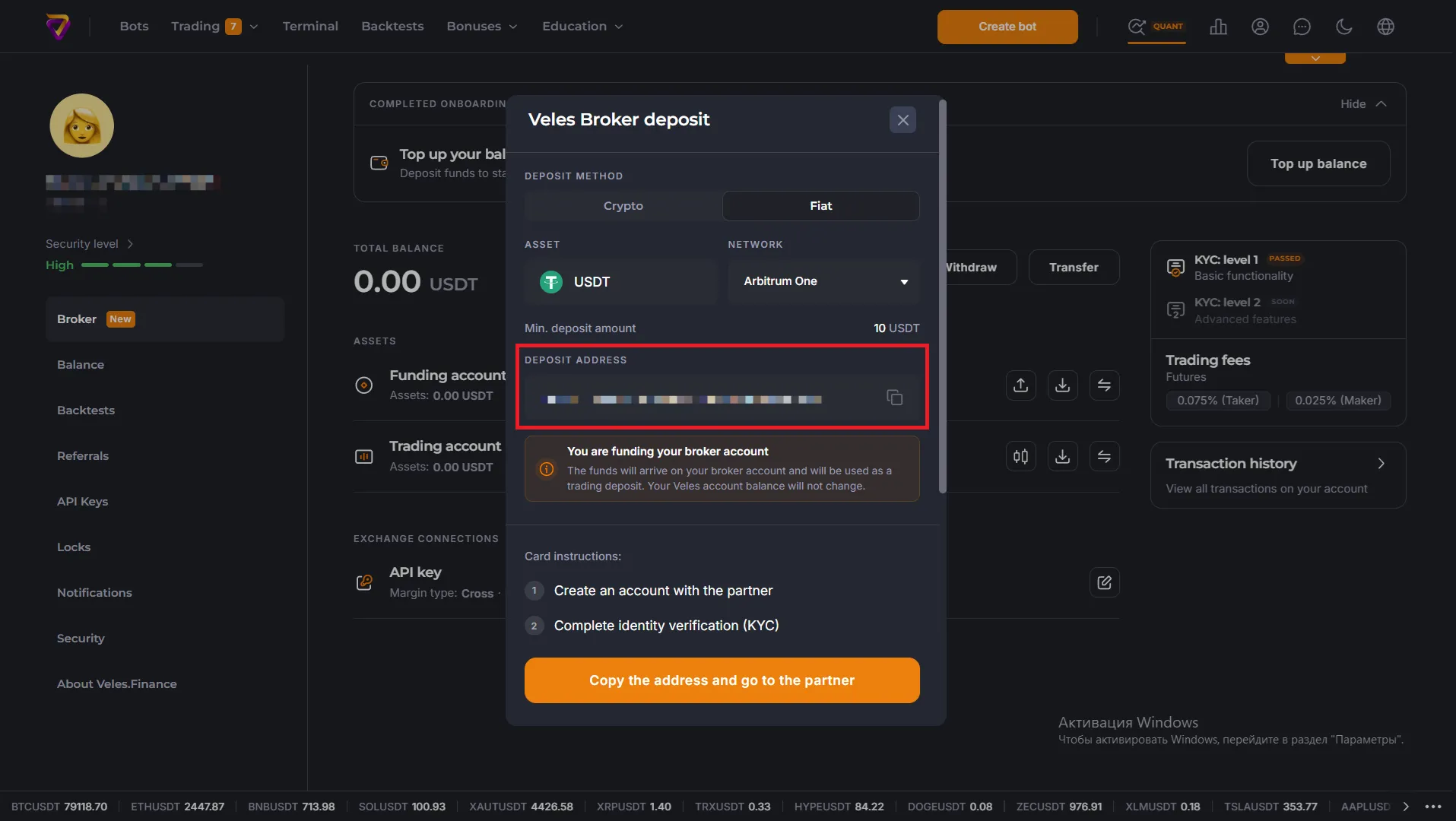
“Fiat” – purchase USDT with fiat currency via an external provider by specifying your sub-account address and the selected chain.
- create an account with the partner,
- complete identity verification (KYC),
- go to the “Exchange” section,
- select the payment currency; USDT to receive; bank card payment; the appropriate network,
- choose “External address” and paste the Veles deposit address,
- enter at least 10 USDT and confirm the exchange.
-
When pasting the provided address into your transfer wallet, verify that:
- the coin and network are specified correctly,
- the address has not been altered during pasting.
-
If the transfer does not arrive after a significant delay, contact support (you will need the transaction hash and the sub-account deposit address).
-
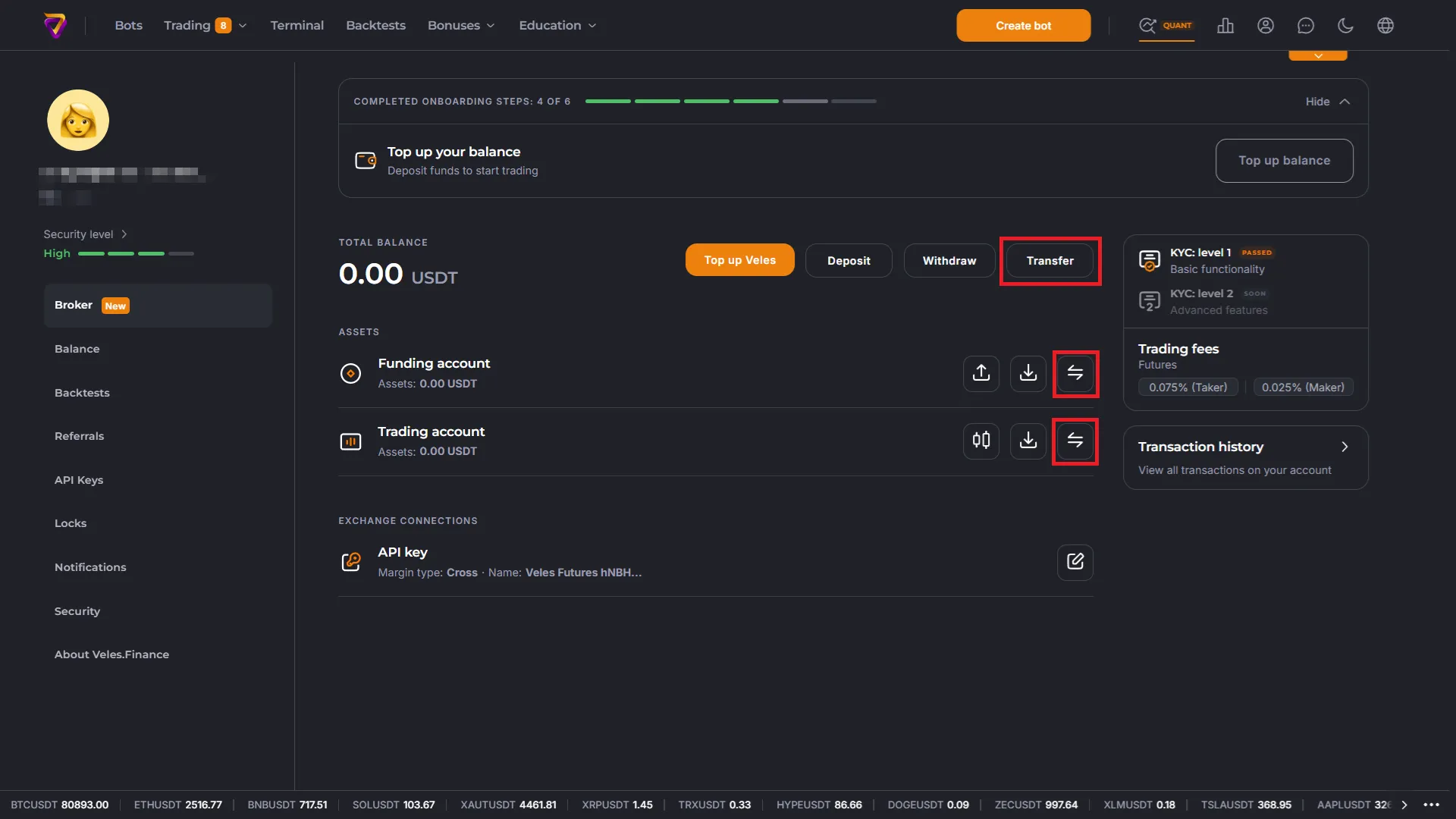
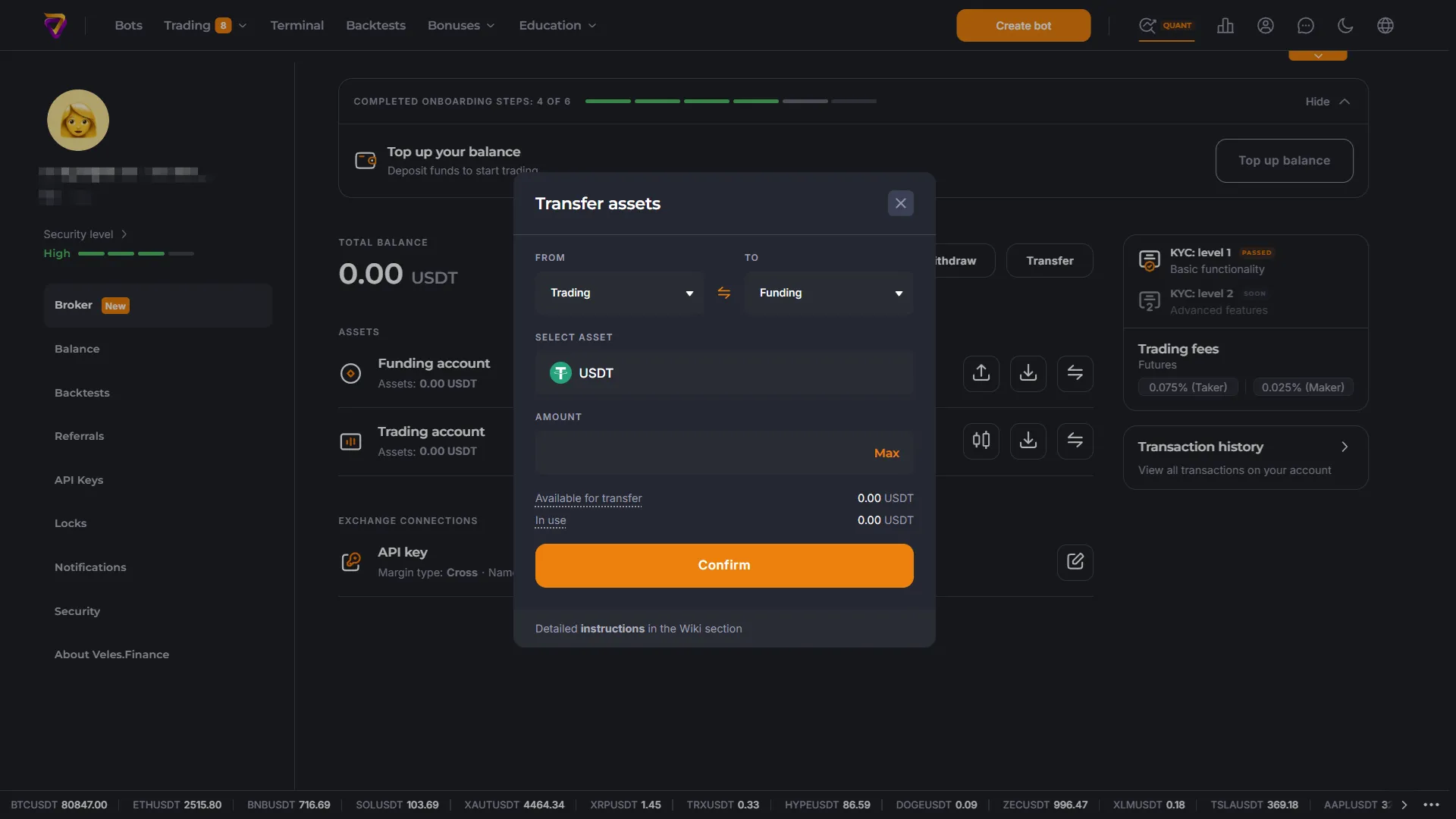
Once deposited, funds arrive in the Funding Account. To trade, transfer them to the Trading Account.
How to withdraw funds from a sub-account
Section titled “How to withdraw funds from a sub-account”-
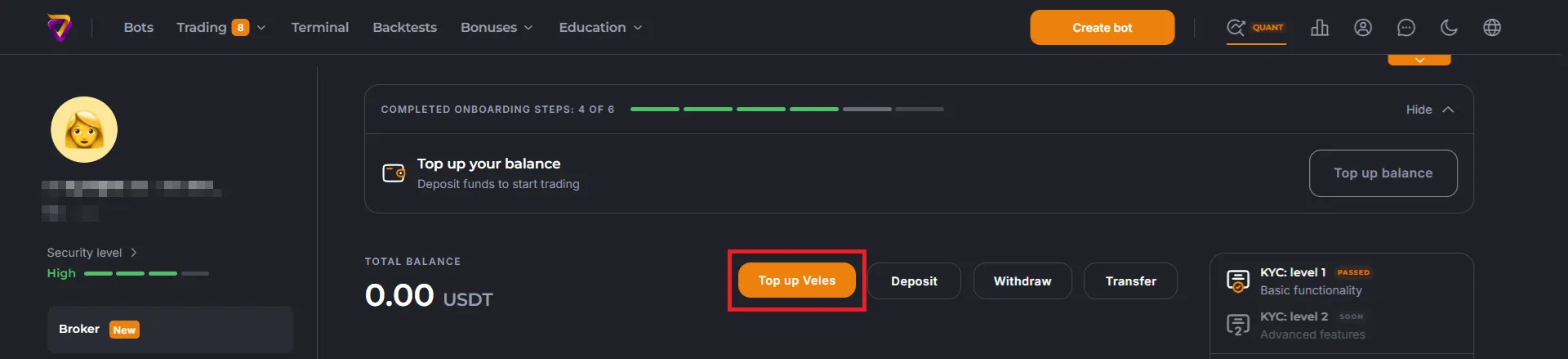
The “Top up Veles” button is used to transfer funds to your service balance — a dedicated wallet for paying fees and subscriptions. Currently, transferring funds from a Veles Broker sub-account to service balance is under development.
-
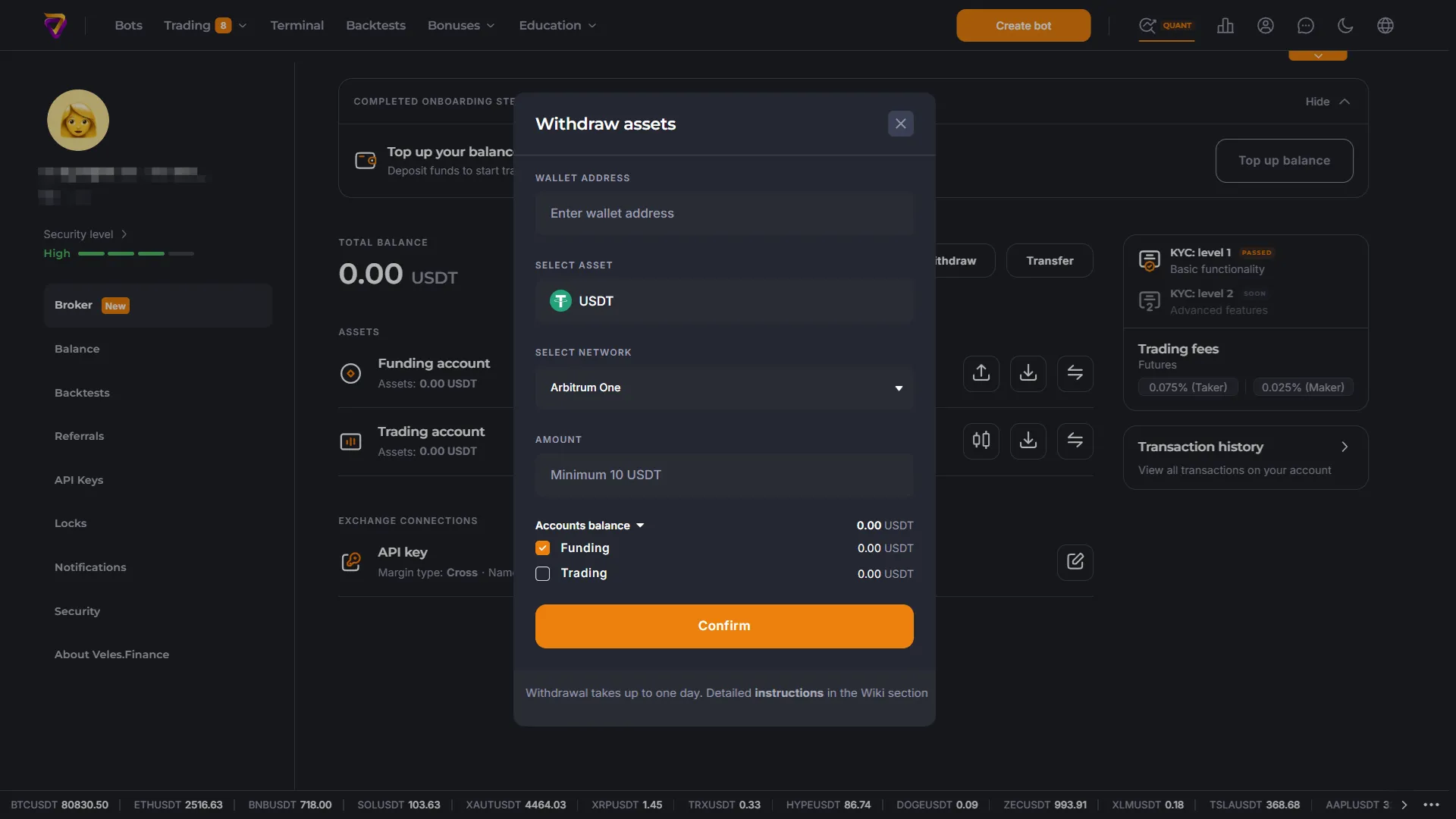
Withdrawing funds from a sub-account to an external address is currently handled via a manual request process.
- to submit a request, you must have Two-Factor Authentication enabled in your profile,
- clicking the “Withdraw” button creates a support ticket, which will be processed within one day,
- the transfer fee will be deducted from the withdrawal amount (meaning the amount received will be lower).