Creating a Crypto.com Sub-account
Sub-accounts on Crypto.com allow you to separate trading strategies and manage them individually — each sub-account can be connected to Veles using its own API key.
-
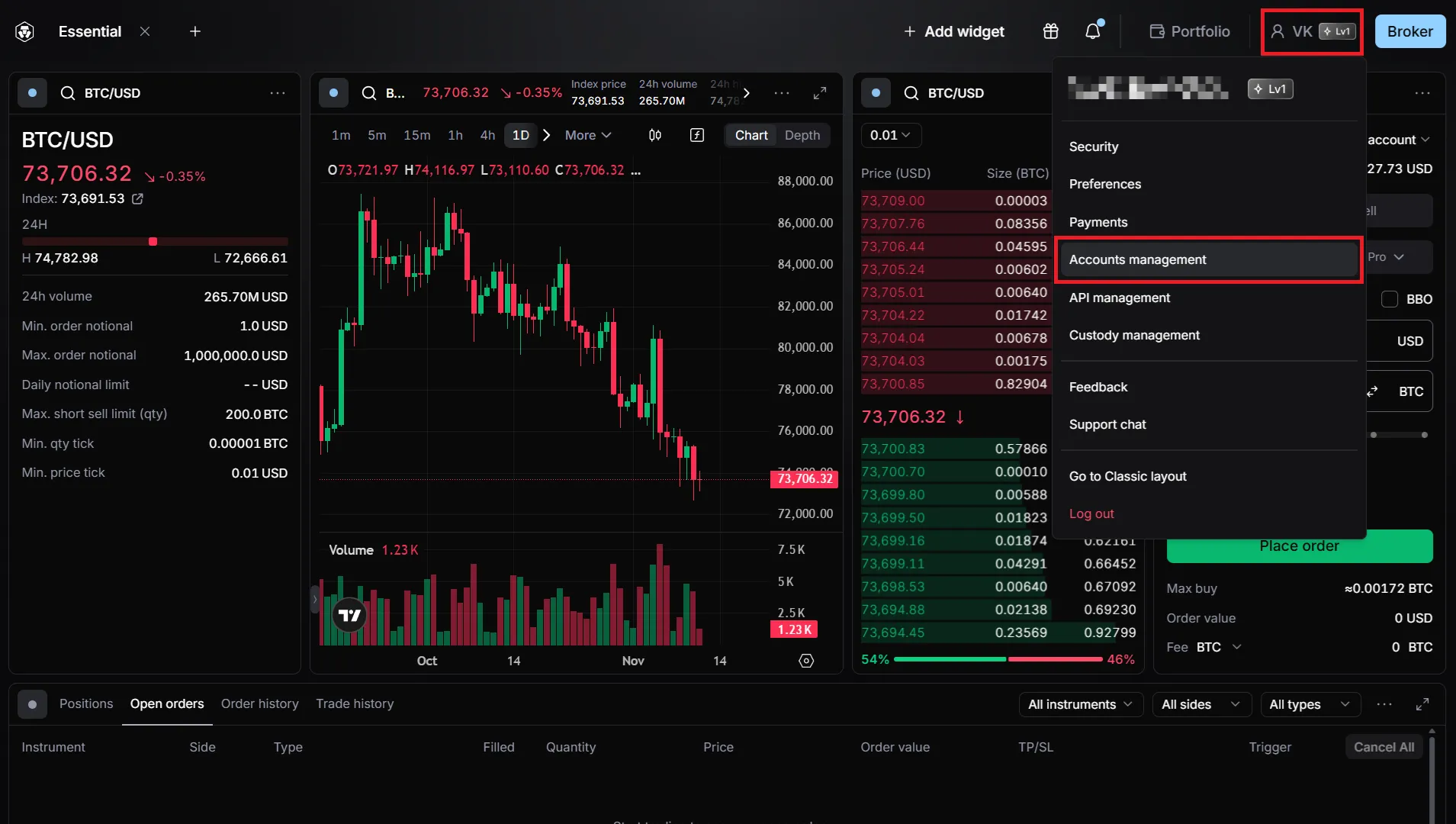
In the user menu, select “Accounts management”.
-
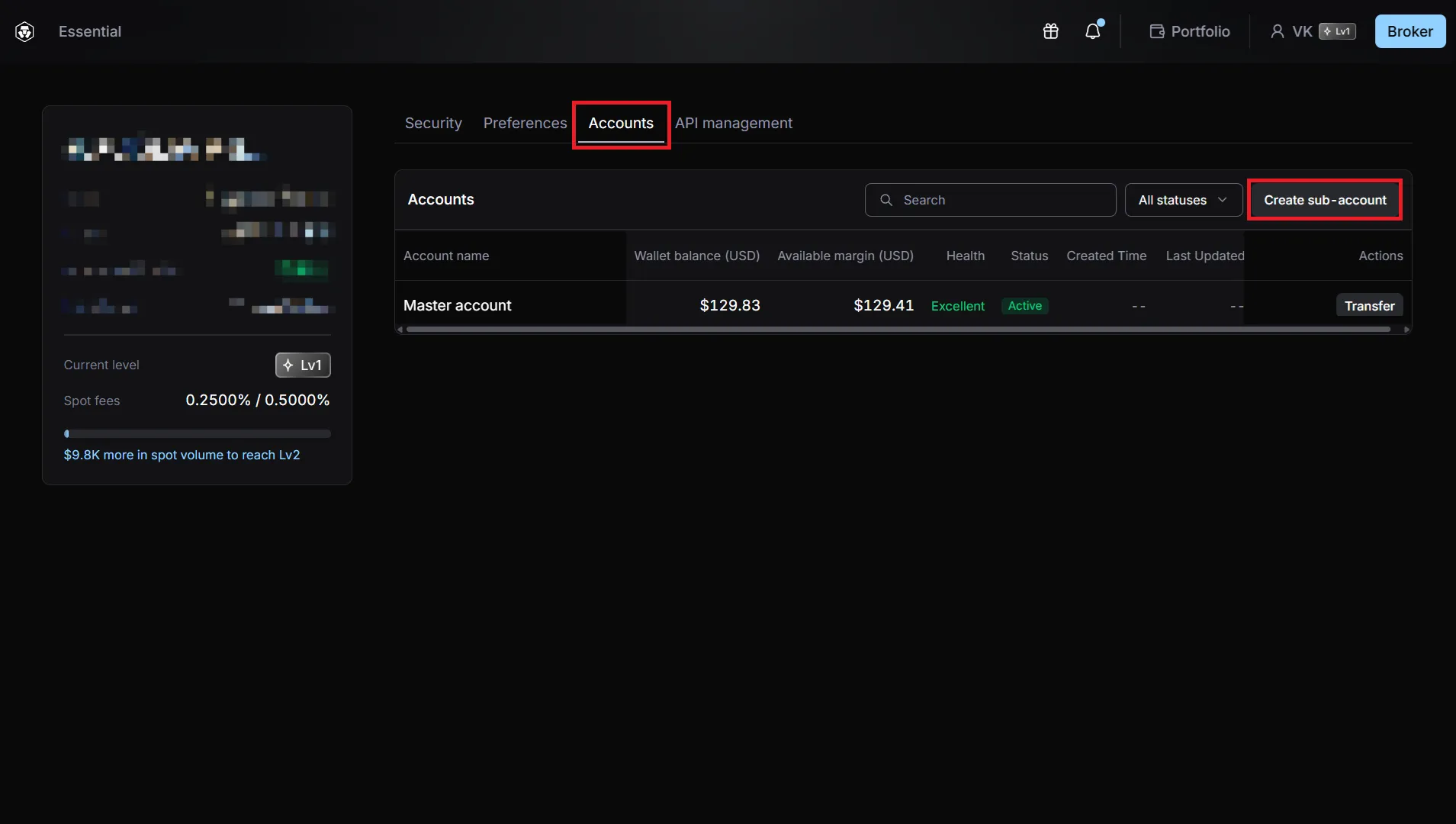
Click the “Create sub-account” button.
-
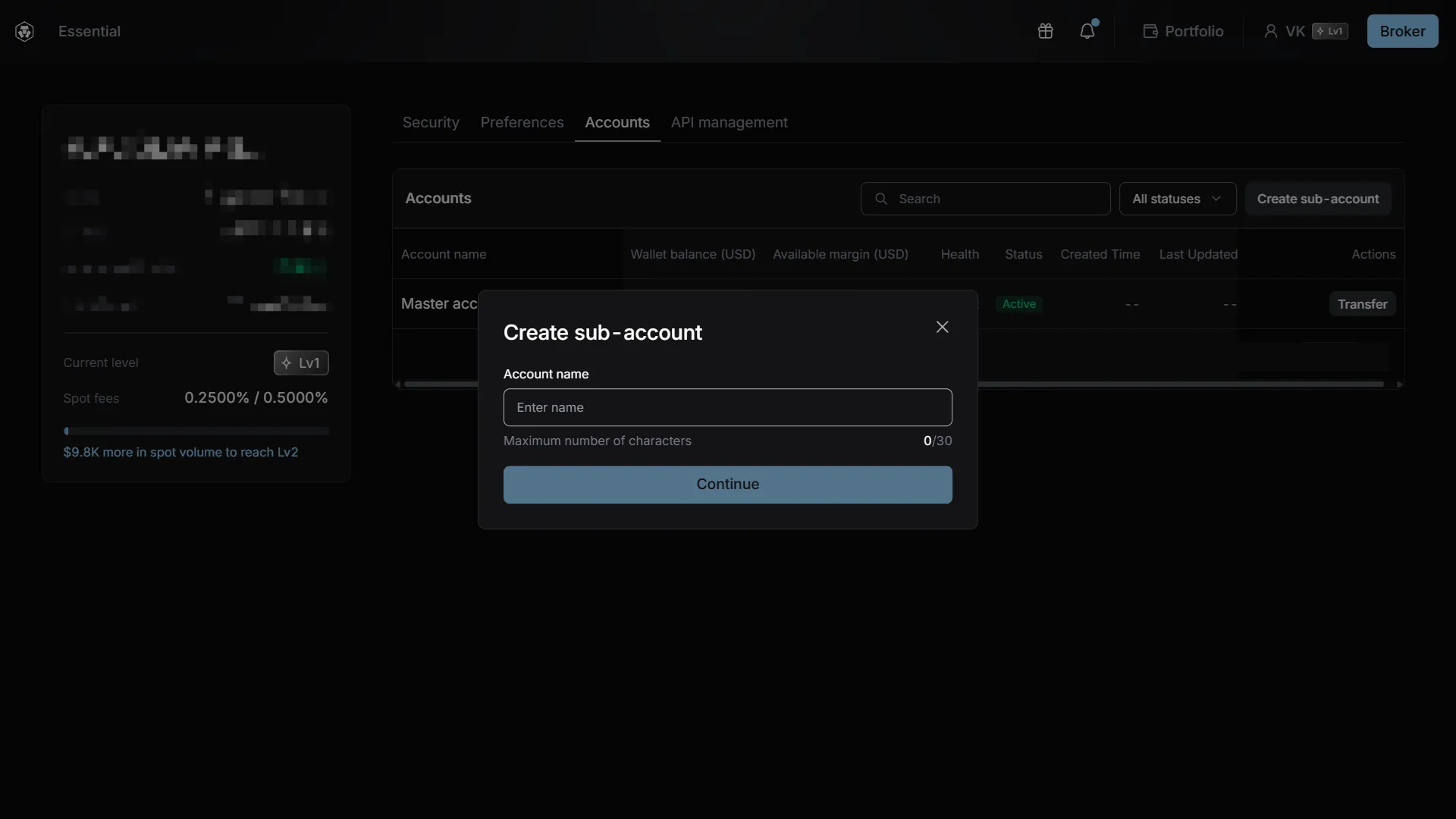
Enter a sub-account name and click “Continue”.
-
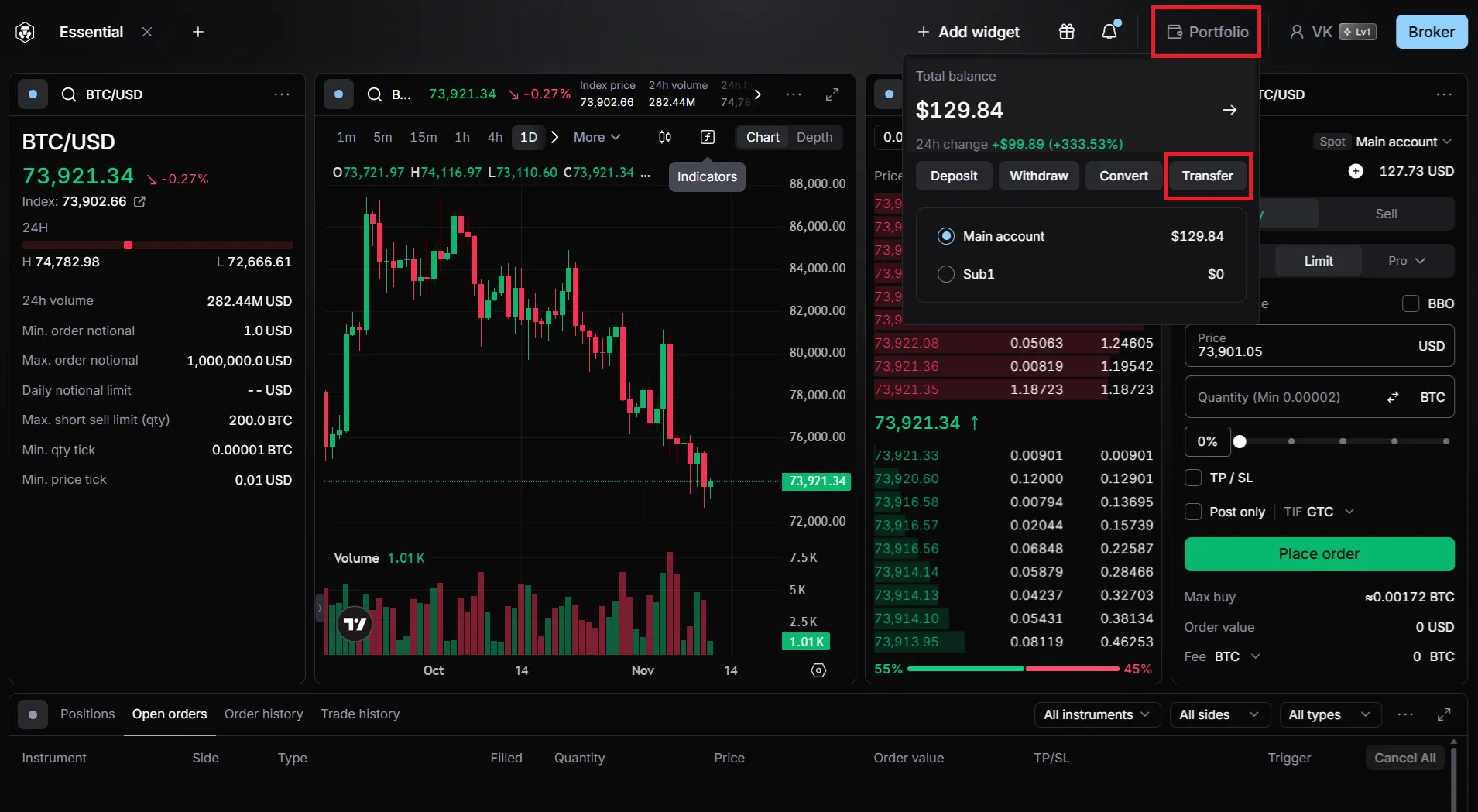
Once a sub-account has been created, you can switch to it for trading via the “Portfolio” menu.
Set up an API connection for it using the manual procedure outlined in our guide. -
To top up a sub-account, use the “Portfolio → Transfer” menu.